No more buying expensive software licenses! Compare the best office tools and software online and use them anytime, anywhere. Access product pages to discover features, mobile apps, and pricing.
This tip brings together the main office suites available.
01- Office Online
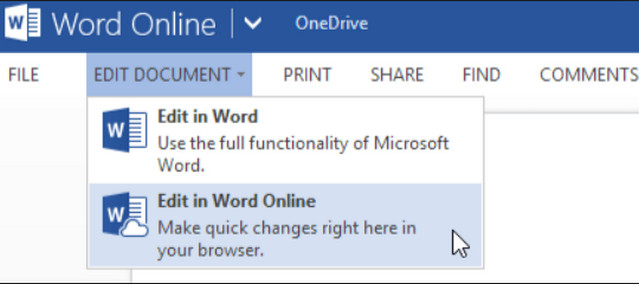
Microsoft's online office suite is perfect if you're used to working with Word, Excel, and PowerPoint. Its features are more limited than the original software, but still more than adequate for everyday use (which is roughly 99% for most users). A Microsoft account is all you'll need, and a mobile version is also available. www.office.com
02- Prezi

Prezi is a presentation creation tool, just like PowerPoint, but the presentations it produces are much more original. If you're tired of boring slideshows, if you want to impress your colleagues, or if you feel
If you're simply limited by the constraints of PowerPoint and similar programs, try Prezi. A free trial version is available, and full features are unlocked via a monthly subscription. https://prezi.com
03- Cometdocs
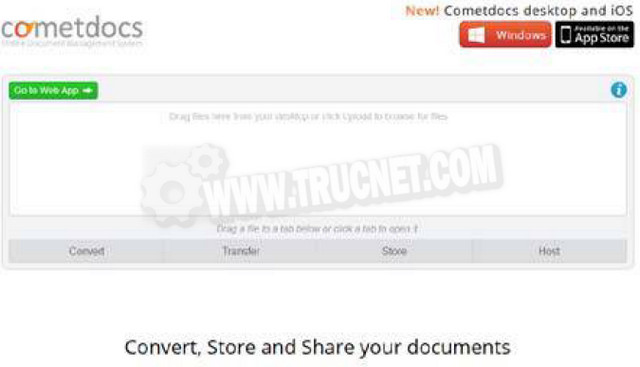
Cometdocs stands out as a top choice for converting your PDF files. Several pricing plans are offered, including two free options, one of which doesn't even require account creation. However, unregistered users are limited to three conversions per week, and their download links are only valid for 24 hours. With an account, this limit increases to five conversions, and files can be stored indefinitely, up to 2 GB. www.cometdocs.com
04- Stoodle

When working remotely, the little sketch scribbled on a piece of paper can sometimes be missed. Stoodle offers a whiteboard that you can share with whomever you choose during a meeting. Draw, write, comment—everyone can contribute. An integrated chat system allows for written communication, but you can also use a headset/microphone for voice conversations. http://stoodle.ck12.org
05- Doodle
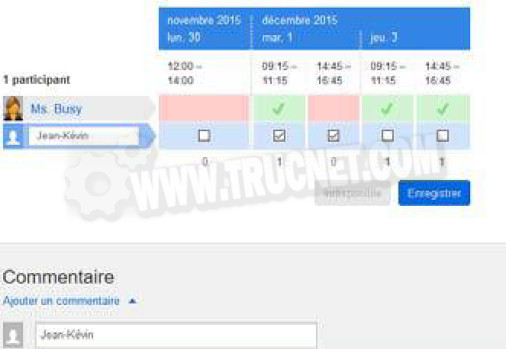
"When are we having this meeting?" "I'm available Monday and Thursday, between 10:30 and 12:00." "I'd prefer Wednesday around 9:45." Organizing a meeting isn't easy. With Doodle, you can invite everyone to indicate their availability online. Then it's easy to see at a glance who's there and when. So convenient! www.doodle.com
06- Sprites
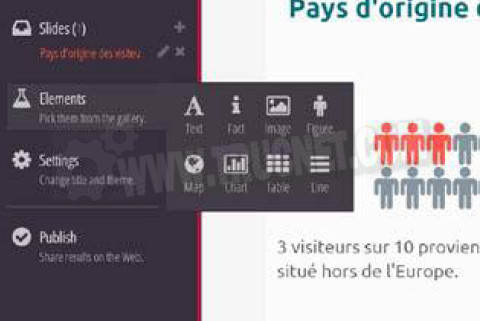
To illustrate statistical data and present it clearly and concisely, infographics can be a very effective solution. Try creating one on Sprites! The service is a comprehensive tool capable of meeting the needs of professionals. On the Sprites website, you'll find numerous tutorials (in English) that will show you how to best utilize its capabilities. https://spritesapp.com
07- Reverso
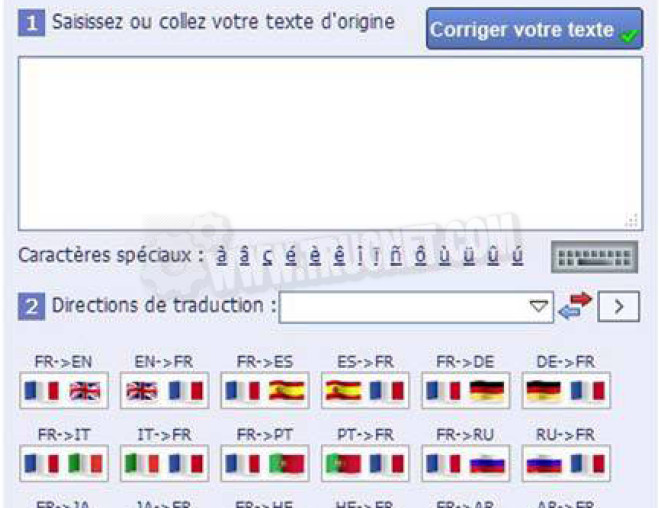
Reverso translates your texts into English, German, Spanish, Italian, Russian, Chinese, Arabic, Hebrew, or Japanese. But that's not all; you also have access to dictionaries (translations, definitions, or synonyms) and a conjugation tool: you type the verb, and Reverso conjugates it. All of this is available online, free of charge. www.reverso.net
08- iWork for iCloud
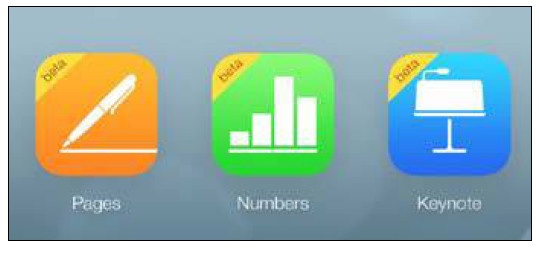
Apple offers its own online office suite, now open to everyone, whereas previously a Mac was required. Creating an account, which is mandatory, is free and doesn't require entering bank details, unlike some other Apple services. iWork isn't the most comprehensive online suite, but it will appeal to fans of the clean interface characteristic of the Mac environment. www.icloud.com
09- Todoist
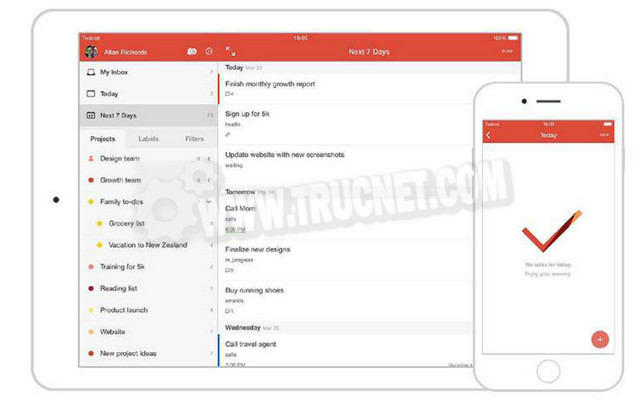
Available on all platforms (Windows, Mac, Android, iOS, Web browser…), Todoist is a powerful task manager, for shared or not, to organize your work, events, a birthday party… The free offer is more than enough for effective use in most cases. https://todoist.com
10- IlovePDF
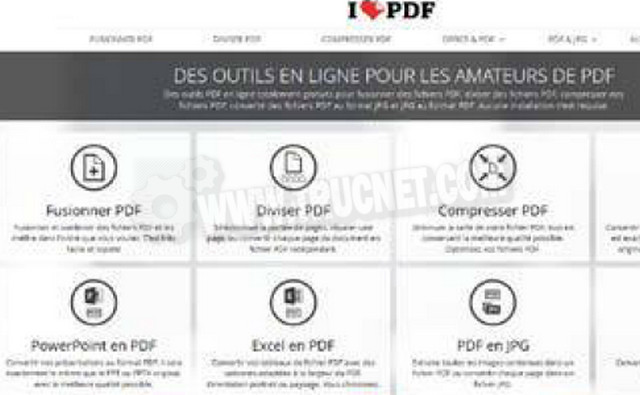
Merge PDFs, extract specific pages, convert them to JPEG images, transform an Excel or Word file into a PDF, add a watermark, compress the file—in short, almost anything you can do with your PDFs, for free and online, can be done on the ilovepdf website. Very intuitive, the service is easy to learn in seconds. Add it to your favorites without hesitation. www.ilovepdf.com/fr
This article was updated on March 25, 2016