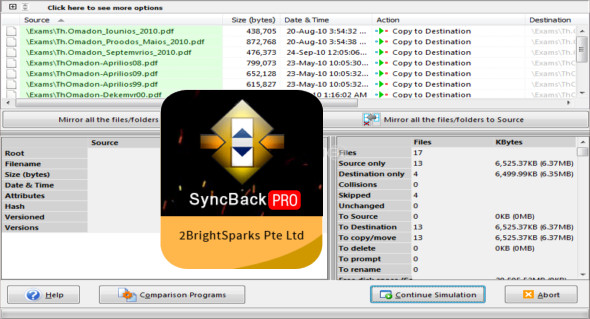
SyncBack Pro, the most powerful and reliable backup and sync utility designed to help you back up or sync your important files to another drive, directory, or network. It's a comprehensive application with a wide range of useful features that allow users to fine-tune their backup and sync tasks. You can also use Macrium Reflect .
It's an efficient and secure utility that offers a precise and consistent file backup and synchronization solution, ensuring your most valuable asset—your data—remains protected. It supports Amazon S3, Google Storage, Google Drive, Google Photos, Microsoft Azure, Microsoft OneDrive, OneDrive for Business (Office 365), SharePoint (Office 365), Dropbox, Box, SugarSync, OpenStack, Backblaze B2, OVH, Egnyte, hubiC, and WebDAV.
The program is integrated with Windows Task Scheduler, allowing you to synchronize or back up your data regularly or when you're away from your PC. The application also lets you compress destination files into a ZIP file, encrypt them, run a specified program before or after your profile, and modify comparison settings.
SyncBack Pro Features
– Professional backup, restore, and synchronization utility.
– Back up or restore from a mail server.
– Integrated FTP to perform a backup on any FTP site.
– Advanced customization of backup and restore settings.
– Encrypted backup with 256-bit AES encryption.
– Automatic scheduler for automatic backup tasks.
– Configure the program and profiles using your own scripts
– Save to an ISO image file that can be mounted as a virtual drive.
Version : Pro 10.0.0.0
Language : Multilingual (French included)
Size : 84.00 MB
Configuration:
– Windows (x32/x64 Bits): 7, 8, 8.1, 10
2BrightSparks SyncBack Pro 10.0.0.0
This article was updated on October 8, 2021