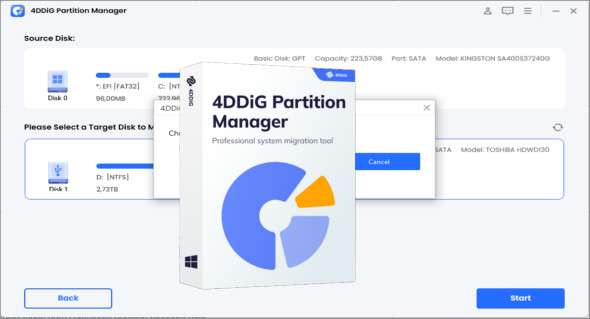
4DDiG Partition Manager is software specializing in disk partition management. It allows users to create, delete, resize, merge, and move partitions on their hard drives or SSDs. You can also download Macrorit Partition Expert.
4DDiG Partition Manager software offers advanced features to optimize storage space usage, reorganize partitions, and resolve data management issues. Using 4DDiG Partition Manager, users can efficiently manage their disk partitions without risking data loss.
The main features of 4DDiG Partition Manager include:
1. Partition management: You can create new partitions, delete existing partitions, resize, move and merge partitions as needed.
2. Partition Conversion: The software allows conversion between different types of partitions, such as conversions between primary, extended, and logical partitions.
3. Partition cloning: You can clone an entire partition or hard drive to another disk, which can be useful for backing up, migrating, or upgrading your system.
4. Partition Recovery: If you have accidentally lost a partition, the software can help you recover it, which can be crucial to avoid data loss.
5. Free space management: It is possible to manage free space on your disks by efficiently redistributing space between partitions.
6. GPT and MBR disk management: 4DDiG Partition Manager supports both GPT (GUID Partition Table) and MBR (Master Boot Record) partition tables, offering broad compatibility with different types of systems and disks.
7. Advanced Features: The software offers advanced features such as conversion between file systems (like NTFS, FAT32, exFAT), RAID volume management, and bad sector repair.
8. User-friendly interface: 4DDiG Partition Manager's user-friendly interface makes partition management easy, even for less experienced users.
9. Operating system compatibility: The software is generally compatible with several versions of Windows and can be used to manage partitions on traditional hard drives and SSDs.
Version : 3.7.4.8
Language : Multilingual (French included)
Size : 138.27 MB
Configuration:
– Windows (x64 Bits): 7, 8, 8.1, 10, 11
Download 4DDiG Partition Manager v3.7.4.8 + Portable
This article was updated on July 4, 2025