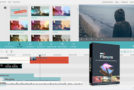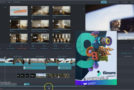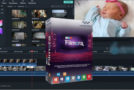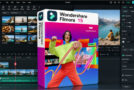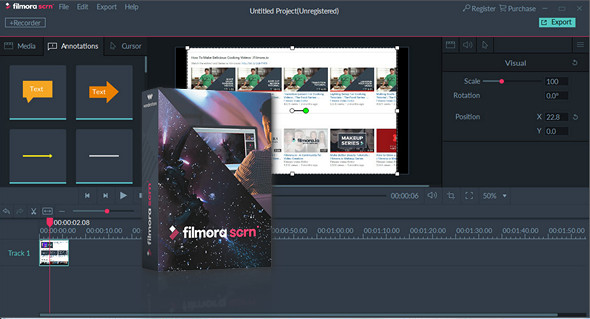
Filmora scrn is an easy-to-use screen recorder that's perfect for recording games or anything else you want to capture. Much more than just a screen capture program, Filmora scrn includes a video editing suite tailored for screen recordings. You can trim, rotate, and crop your clips. You can also add custom annotation and cursor effects. Videos created with Filmora scrn can be exported as MP4, MOV, or GIF files.
Features
– Editable cursor
– Adjust the size, shape, and color of your cursor to make it stand out.
– Complete edition suite
– Edit your clips quickly and easily with a wide range of professional tools.
– 2 devices
– Record from your computer and webcam simultaneously.
– Import more than 50 file formats
– Import images, videos, music and other multimedia files.
– FPS (15-120)
– Perfect for recording fast-paced gameplay. (Up to 60 frames per second for Mac)
– Export to MP4, MOV, GIF
– Export to multiple formats
– PIP (Picture In Picture)
– Add a second image or video to your main images, such as a facecam for games.
– Custom registration field
– Choose to record all or part of your computer screen.
– Annotations
– Add text and other elements to enhance your viewers' learning experience.
– Tutorial
– Draw circles and arrows on your screen to help you.
Configuration:
– Windows (x32/x64 Bits): XP, Vista, 7, 8, 8.1, 10
– Processor: 1 GHz
– RAM: 512 MB
– Disk space: 100 MB
Facility :
1. Install the software: filmora-scrn_full3292.exe
2. Copy the file UpdateRegister.dll which is located in the crack folder, and paste it into the installation folder
Language Multilingual (including French)
Size : 90.4 MB
This article was updated on August 24, 2017