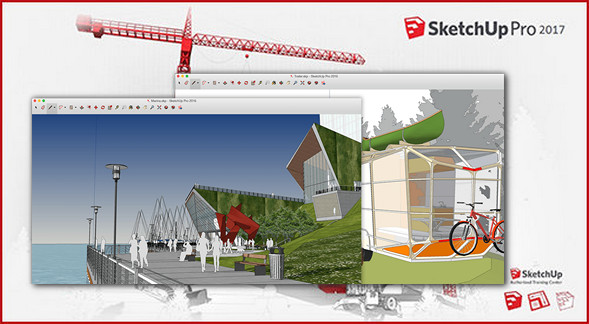
SketchUp Pro 2017 is a computer-aided design tool intended for architects, engineers, kitchen designers, and interior designers.
This application allows you to model plans in 3D and transform your drawings into 3D models with LayOut.
The Pro version also offers the possibility to present your creation with stylized slides with visual effects, section plans or cross-sections.
SketchUp Pro supports DXF, DWG, 3DS, DAEM KMZ, TIF, JPG, PNG formats for import, and PDF, OBJ, FBX, XSI, VRML, MP4, WEBM and AVI formats for export.
The major advancements of the 2017 version:
New 3D display technologies for absolute compatibility with the latest versions of Windows and MacOS operating systems.
Creation of the "Table" option to easily generate and update spreadsheets in LayOut.
Added the "Snap" tool to display perpendicular faces.
Automatic update of LayOut dimensions for all modifications made to your model.
Configuration:
– Windows (x64 Bits): Vista, 7, 8, 8.1, 10
– Processor: 3GHz
– RAM: 2 GB
– Disk space: 700 MB
– Graphics: 512 MB graphics card – OpenGL 3.0 or higher
Facility :
1. Execute SketchUpPro-fr-x64.exe and follow the installation procedure.
2. Execute su2015-64-patch.exe in mode administrator.
3. Click on the button Patch.
4. Check Make Backup to save the original files.
This indicates that it cannot find the file. SketchUp.exe.
Search manually in the SketchUp Pro installation directory.
* Repeat this operation for the file LayOut.exe and Style Builder.exe.
Manually search in the SketchUp Pro installation directory.
- Language : French
- Size : 152.1 MB
This article was updated on November 2, 2017