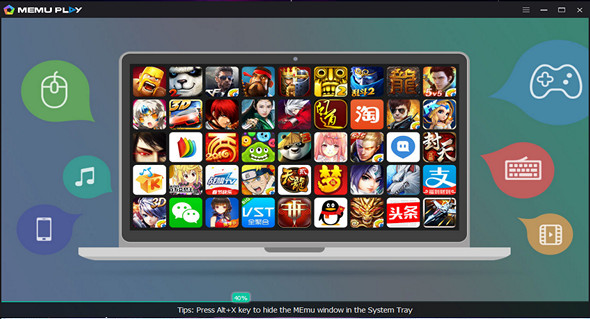
MEmu is an Android emulator specializing in video games. With MEmu, you can enjoy many exclusive titles available for the Android platform directly on your computer. You don't need to adjust complicated settings or configure controls; simply install it and start playing. Installing Android games with MEmu is quite easy: just click the APK button on the right side of the interface, select the APK of the game you want to install, and wait. It's really that simple.
As with most emulators, the controls are already configured, so you can play any game with a mouse or keyboard. With MEmu, however, if you don't like the way the controls are configured, you can always change them or even use an Xbox 360 controller if you're more comfortable with console games.
There are many Android emulators available, but MEmu is an exceptional choice. It allows you to access a wide range of Android games directly on your PC. Its compatibility, customization, and file organization are superior to some of the more well-known alternatives on the market.
Main features:
– Full Android experience with a stylish desktop
– Flexible customization (CPU number, memory size, resolution, device model, navigation bar location, root mode, etc.)
– Keyboard/joystick mapping to the touchscreen for a much better gaming experience
– Pass the sensor data (e.g., accelerometer) to Android.
– Quick APK installation by dragging and dropping
– File sharing between Windows and Android
– Create/clone/delete Android systems with one click, and you can run multiple Android instances
Configuration:
– Windows (x32/x64 Bits): XP, Vista, 7, 8, 8.1, 10
– Processor: 1 GHz
– RAM: 512 MB
– Disk space: 1 GB
Facility :
Run the file Memu-Setup-3.5.0.2.exe
Language Multilingual (including French)
Size : 322.4 MB
This article was updated on September 23, 2017