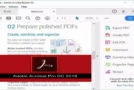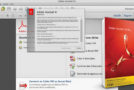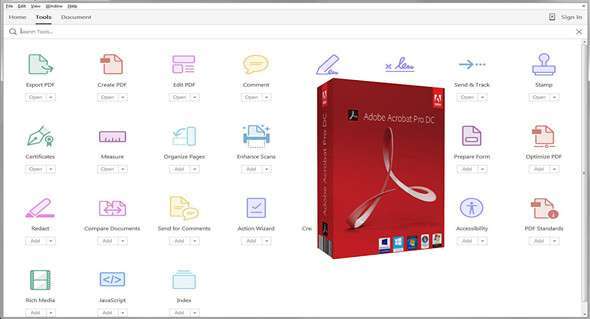
Acrobat DC with Document Cloud services includes all the tools you need to convert, edit, and sign PDF files. So you can start a document at work, edit it, and send it for approval from the comfort of your living room—seamlessly and easily.
Edit any file, just take a picture with your phone, then open it on your desktop. Right before your eyes, Acrobat will magically transform it into a PDF file that you can edit on your tablet – with custom fonts that match the type of your original file.
Acrobat DC brings electronic signatures to over a billion devices worldwide. Now, anyone can legally sign documents with a finger on a touchscreen device—or with a few quick clicks in a browser. More than just a signature app, Acrobat DC makes it easy to send, track, and store signed documents.
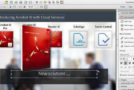
Optimized for touch and fully mobile use, and featuring a new, ingenious interface that lets you keep all the tools you need at your fingertips, Acrobat DC is so extraordinary that you'll wonder how you ever managed without it.
Using DropboxStore and view Dropbox files while working in Acrobat or on your desktop.
Access your PDFs, wherever you areSync your documents and pick up your work where you left off, on the device of your choice.
Filling out and signing formsConvert a document — printed or digital — into a PDF form. Then fill it out, sign it, and send it.
Configuration:
– Windows (x32/x64 Bits): XP, Vista, 7, 8, 8.1, 10
– Processor: 1 GHz
– RAM: 512 MB
– Disk space: 1 GB
Language Multilingual (including French)
Size : 773.2 MB
This article was updated on November 29, 2017