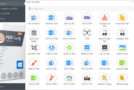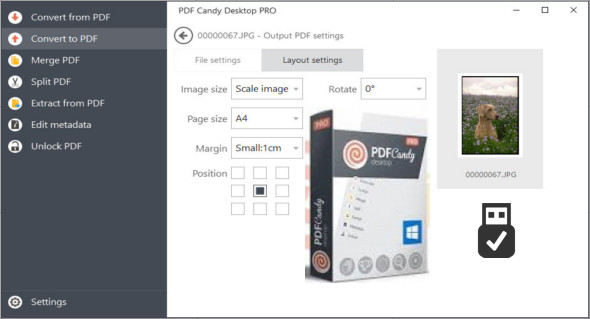
PDF Candy Desktop is a tool that allows you to convert PDF files to various supported formats (PDF to DOC, PDF to JPG, etc.), convert documents, ebooks and images to PDF, merge PDFs, split PDFs, extract images and text from PDFs, edit PDF metadata, protect PDFs and unlock password-protected PDF files.
Most modes support batch file processing. All these features are available through a modern and user-friendly interface.
– 100% Privacy Policy
Process sensitive data locally on your PC to maintain maximum confidentiality.
– Batch processing
Merge and convert multiple files at once
– No limits
Convert, split, or merge files of any size
– OCR (Optical Character Recognition)
Recognize text in scanned PDF files to create editable documents
– No internet connection required
Process your files anytime, anywhere
– PDF to editable Word files
High-quality conversion of PDF documents into editable DOC format
– Available PDF tools:
PDF to Word
Word to PDF format
PDF to JPG
JPG to PDF
Merge PDF
Divided PDF
Delete pages
Unlock PDF
Protect PDF
HTML in PDF format
EPUB to PDF
MOBI to PDF
FB2 in PDF
PPT to PDF
Excel to PDF format
ODT to PDF
PNG to PDF
TIFF to PDF
BMP in PDF
PDF to PNG
PDF in TIFF format
PDF to BMP
Extract images
Excerpt from the text
Edit metadata
Configuration:
– Windows (x32/x64 Bits): Vista, 7, 8, 8.1, 10
– Processor: 1 GHz
– RAM: 1 GB
– Disk space: 1 GB
Language Multilingual (French included)
Size : 144.8 MB / Portable: 166.9 MB
Installable version 1.15
Portable version 1.13
This article was updated on June 23, 2019