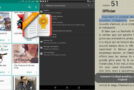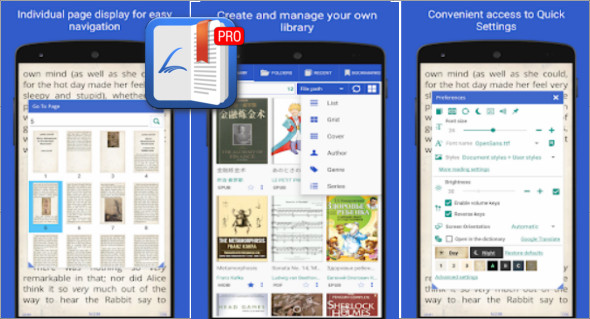
Librera Reader Pro is an Android application for reading the most popular document files, including PDF, MOBI, EPUB, EPUB3, DjVu, FB2, FB2.zip, TXT, RTF, AZW, AZW3, CBZ, CBR, HTML, XPS, MHT and more.
Easy to use yet feature-rich, Librera Reader transforms document reading into a smooth, enjoyable experience fully tailored to individual preferences. You can also download Moon+ Reader Pro.
Main features of Librera PRO
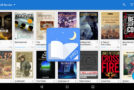
It finds all the books on your device and displays the covers.
– Recent books with the percentage of books read
– The colors for Day mode and Night mode can be configured separately
– Translate words, phrases into offline dictionaries or online translators from the application such as Oxford, Macmillan, Longman, Cambridge, etc.
– In locked mode, the book only scrolls up or down, not left or right.
– Automatic document scrolling and scrolling speed configuration
– Listen to the book with voiceover (TTS or text-to-speech engine)
– Easy to add bookmarks, view page thumbnails, table of contents
Why choose Librera Reader?
– Checked for easy reading
– The program is constantly being developed and improved
– Stable and reliable performance for more than 5 years
– More than 10,000 users have purchased the paid version
In conclusion, PRO Librera Reader stands out as a complete, flexible, and high-performance solution for digital reading. Thanks to its compatibility with a wide range of formats, its numerous customization options, and its advanced features such as automatic music playback, text-to-speech (TTS) reading, and intelligent library management, the application meets the needs of both casual readers and demanding users.
Version : Pro 9.3.63
Size : 94.12 MB
Compatibility: Android 7 or More
Download Librera PRO v9.3.63 – Lecteur de livre
This article was updated on March 3, 2026