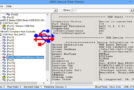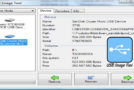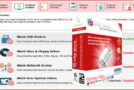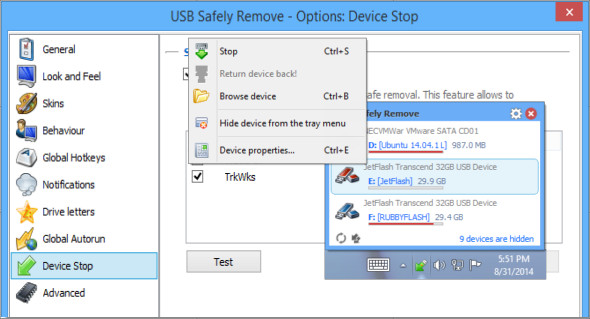
USB Safely Remove is a utility that allows for quick and effortless disconnection of all removable devices by using the "Safely Remove Hardware" icon in the system tray. Not only does it save time, but it also ensures file safety, meaning all data remains secure on the device when it is disconnected. You can also use USB Trace.
Much more convenient
Safely remove a device via the convenient menu or a shortcut key, delete unnecessary devices from the menu, and configure device icons or names. Furthermore, even if you accidentally turn off a device, you can turn it back on with a single click.
Save data and devices
Even if the device cannot be safely removed, the program will show you the locking processes and allow you to stop them to prevent improper removal. Additionally, the program can shut down devices running Windows XP/Vista/7/8.x/10.
Automate and accelerate work
Use the command-line tool in your scripts or a powerful autorun manager to automate backups to external drives, virus checks, and many other daily tasks.
Organize reader letters
Clean up your drive letter list by automatically hiding letters from unused card reader slots, correct drive letters on a specific device, or even prohibit assigning letters to external drives for backup or third-party software purposes.
Version : 7.5.1.1339 /Portable: 7.3.1.1334
Language : Multilingual (French included)
Size : 22.82 MB
Configuration:
– Windows (x32/x64 Bits): 7, 8, 10, 11
Download USB Safely Remove v7.5.1.1339 + Portable
Cet article a été mis à jour le 13 October 2026