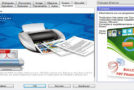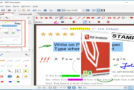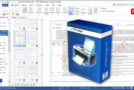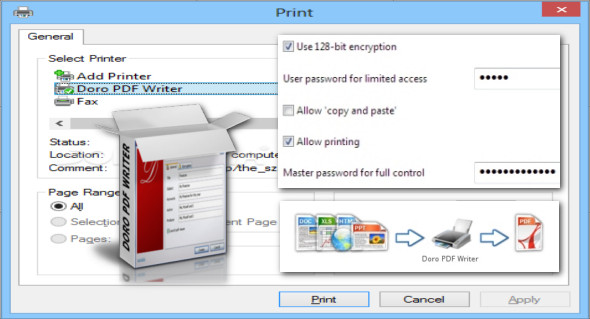
Create free, full-color PDFs from any Windows application. No annoying banners or restrictions! Simply download and install Doro. After installation, you'll have an additional virtual printer called "Doro PDF Writer." Start printing the document from your usual office application, then open Doro PDF Writer to display the various available options.
Features
– Create PDF files from any application
– Start any program that can print, such as Word
– Create your document, colorful images
– Print on the “Doro PDF Writer” printer
– Click on “Create” to create a colored PDF file in the Doro window
128-bit encryption
Encrypt the PDF file with 128-bit password protection. This can also prevent copy-pasting and printing.
Configuration:
– Windows (x32/x64 Bits): XP, Vista, 7, 8, 8.1, 10
– Processor: 1 GHz
– RAM: 1 GB
Language : Multilingual (French included)
Size : 16.4 MB
This article was updated on September 15, 2018