Duplicate Photo Finder Plus is a small tool that quickly searches for and finds duplicate images on the hard drive and can delete duplicate images to reclaim your valuable disk space and improve its performance.
It works very quickly because it has a built-in high-speed image comparison algorithm. And the result (duplicate images) is 100% accurate (%) because it compares images based on their content, not their name, last modified date, or file size.
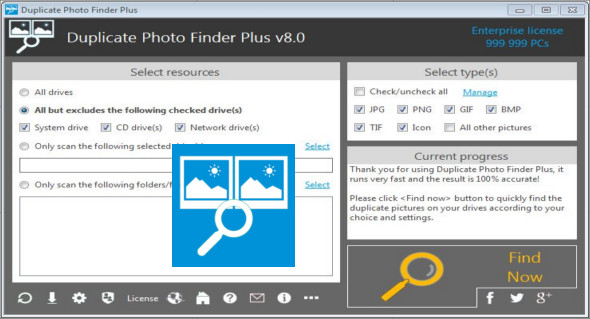
Furthermore, it's very easy to use; simply select the resources and types, then click the "Search Now" button to find what you need. You can even click this button directly using the suggested search criteria. You can use certain options (for example, smart selection, scanning hidden or unhidden files, and excluding folders) to refine the final results.
Features of Duplicate Photo Finder Plus
– Comparison of image content, 100% accurate result %
– High-speed, very fast comparison algorithm
– Smart selection: automatically checks for unwanted images
– Supports almost all popular image formats
– Very easy to use, only 1 click required to get the result
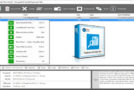
– Perfect Previews (automatically adjusts the size for optimal viewing)
– Flexible sources: drive(s), folder(s), file(s) and type(s)
– Reusable result: save/load the list of duplicate images
– Useful options: smart selection, subfolders, hidden files, excluded paths
The improvements
* Can fully display all user interface elements on the results interface for all languages.
* Uniformity of shortcuts for the "Load result" action — .
* Result interface: optimizes the size, layout, and icon of the toolbar and context menu.
* Precisely adjust the size and location of all elements in the Options interface.
* The results list can always have focus after the items found.
* Optimized software texts.
* Optimized internal efficiency.
Configuration:
– Windows (x32/x64 Bits): 7, 8, 8.1, 10
– Processor: 1 GHz
– RAM: 1 GB
Language : Multilingual (French included)
Size : 0.7 MB
This article was updated on November 21, 2018