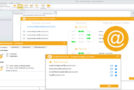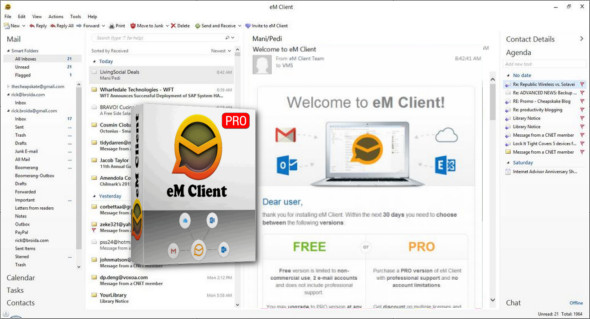
eM Client is a full-featured email client with a modern and user-friendly interface. It also offers a calendar, tasks, contacts, and chats. You can create, delete, add, and categorized information, or create copies of lists. Your contact management will be handled in a clear and simple user environment.
Supports Gmail, Exchange and others.
eM Client supports all major services, including Gmail, Exchange, iCloud, and Outlook.com. You can find more information in the Server section of its website.
Super easy to import and configure.
eM Client can automatically configure everything for most services. It also efficiently imports your data from all major email clients. This includes Microsoft Outlook, Outlook Express, Windows Mail, Thunderbird, and more.
Customize eM Client.
eM Client allows you to customize its appearance and behavior on multiple levels. It supports several fully customizable themes, including a dark theme, and allows you to personalize its behavior in the most comprehensive way on the market.
Single side bar.
The eM Client sidebar provides quick contextual information that will further enhance your productivity. Communication history, attachment history, and the calendar will save you considerable time.
Ultra-fast search.
Quickly finding what you're looking for makes you more productive. eM Client excels in this area with its ultra-fast and customizable search capabilities.
Backup tool.
eM Client relies on its own backup tool, which can automatically back up your data even when the application is running.
Configuration :
– Windows (x32/x64 Bits): XP, Vista, 7, 8, 8.1, 10
– Processor: 1 GHz
– RAM: 1 GB
Language : Multilingual (French included)
Size : 58.6 MB
This article was updated on December 6, 2018