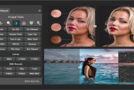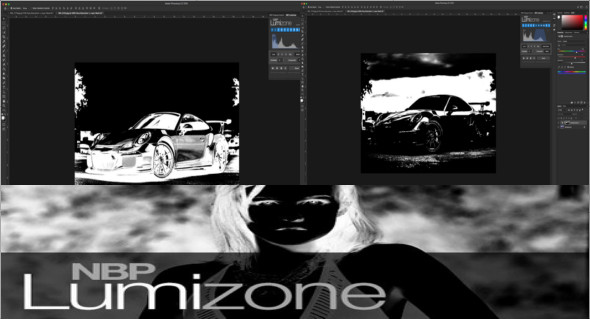
NBP Lumizone is the easiest way to use luminosity masks in Photoshop. You can easily create luminosity masks on layers or adjustment layers as needed and instantly see the results of your creation and modification.
This plug-in is more efficient and streamlined than Actions (and panels using scriptable processes in Photoshop) by avoiding the creation of multiple unnecessary layers and adjustment channels. The intuitive and efficient user interface is easy to understand and designed for an effective workflow.
Creation and active control of brightness masks
– Generate a luminosity mask for all layers
– Actively modify each brightness mask on the fly during your workflow
– 3 options for generating brightness masks from:
* Create masks based on the overall brightness of the image
* Create masks from the R, G, or B channels
* Create masks from the image's global saturation map
– Select any combination of 11 brightness ranges for any mask
– Invert the range selection instantly
– Toggle the display of the layer or mask on the fly while adjusting the brightness ranges
– Adjust the mask contrast as needed
– No additional layers are created to generate or modify masks.
– No need to store luminosity masks in the Channels palette.
Configuration :
– Windows (x32/x64 Bits): 7, 8, 8.1, 10
– Photoshop (x32/x64 Bits): CC2014 and above
– Processor: 2 GHz
– RAM: 2 GB
Language : English
Size : 20.2 MB
This article was updated on January 15, 2019