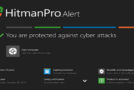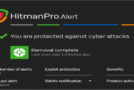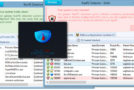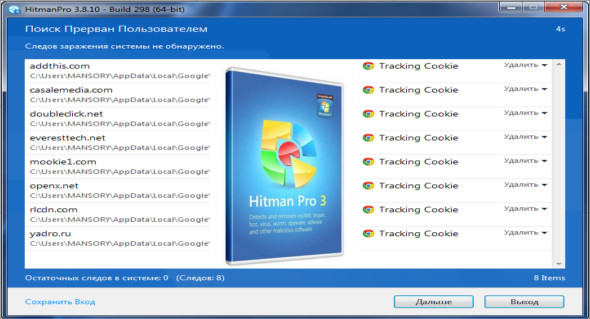
Hitman Pro is a fast, all-in-one security tool for locating, identifying, and removing viruses, spyware, Trojans, rootkits, and other malware. You can use this tool in its portable version without installing it. It can also be used via a USB drive, CD, DVD, local hard drive, or network drive. You can also use HitmanPro.Alert.
Hitman Pro 3 uses innovative cloud computing technologies to detect and eliminate malware threats with minimal impact on system performance. It's the fastest solution for detecting virus infections on your computer, showing you a list of unwanted files and giving you the freedom to take action. It also provides a system scan feature at startup to eliminate all types of viruses.
Hitman Pro Features
– Recognizes and removes viruses, Trojans, rootkits, spyware and other malware.
– Revolutionary innovation in scanning technology that allows malicious software to be distinguished from safe software without signatures.
– Reduced analysis time, system identification in minutes.
– No additional system load.
– It is impossible to create false positives on important system files thanks to "profiling" and whitelisting.
– Identification of malware by multiple providers in the real-time “Cloud Scan”.
– Automatically restores common system changes made by malware.
– Create a checkpoint in system restore before removing malware.
– Removes resistant threats using NT's native startup removal program.
– Removes references to malware (such as shortcuts and registry entries).
Version : Pro 3.8.26 Build 322
Language : Multilingual (French included)
Size : 22.20 MB
Configuration:
– Windows (x32/x64 Bits): XP, Vista, 7, 8, 8.1, 10
HitmanPro 3.8.26 Build 322
This article was updated on December 24, 2021