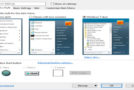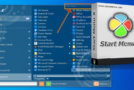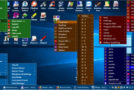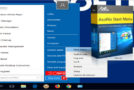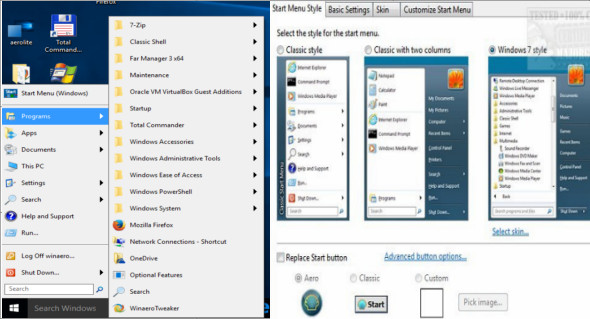
Classic-Start continues the Classic Shell project by giving you access to the classic style Start menu for Windows 7, 8.1 and 10 in order to improve the usability of Windows via a customizable Start menu.
The Classic-Start tool lets you quickly search for all programs, settings, files, or documents in just a few clicks. You can quickly access your most recent, frequently used, or installed programs. You can also manage how you use your computer through various styles and appearances. With this tool, you can restore the Start button for Windows 10, 7, and 8.1, as well as the taskbar and status bar for Windows and Internet Explorer, making it an excellent tool for enhancing your Windows experience.
Classic Start features:
– Classic-style Start Menu for Windows 7, 8, 8.1, 10
– Toolbar for Windows Explorer
– Classic copy user interface (Windows 7 only)
– Display the file size in the Explorer status bar
Version : 4.4.145
Language : Multilingual (French included)
Size : 6.71 MB
Configuration:
– Windows (x32/x64 Bits): 7, 8, 8.1, 10
Classic Start 4.4.145
This article was updated on June 19, 2020