DOWNLOAD
Download offered via a partner.
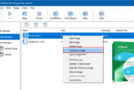
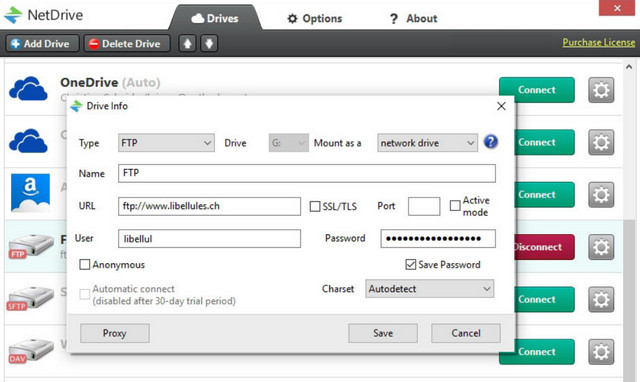
NetDrive offers you the ability to create virtual drives on your computer, allowing access to remote file systems such as your FTP, SFTP, WebDAV server or even those in the cloud:
– Box
– Dropbox
– Google Drive
– Hubic
– OneDrive
– Amazon
Installation
1) Install NetDrive via the file "NetDrive2_Setup_2_6_5_739.exe"
2) Copy the file "netdrive2.dat" to "C:\ProgramData\NetDrive2\"
3) Add the line "127.0.0.1 api.netdrive.net" to the hosts file (C:\Windows\System32\Drivers\etc\hosts)
- Languages: English, German, Spanish, Swedish, Dutch
- Size: 62.31 MB
This article was updated on July 22, 2016