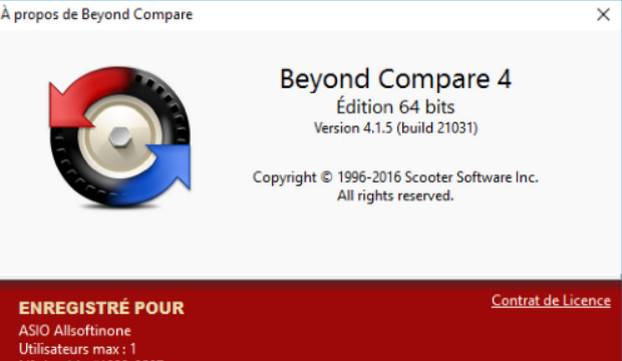
Beyond Compare is a comprehensive software that allows you to compare files and folders in a complete manner. It will be useful for comparing two versions of the same file or the changes found in two folders.
The software's greatest strength lies in its numerous comparison tools, allowing you to compare and analyze the differences between two versions of executable files, two spreadsheets, or even two source codes. Syntax highlighting is supported for languages such as C, C++, C#, SQL, Java, Python, XML, and Visual Basic.
Beyond Compare offers specific tools tailored to your needs. One such tool allows you to compare two images, with differences highlighted in red. The same applies to comparing MP3 files and folders. Regarding the latter, you can synchronize two folders locally or remotely via FTP, SSL, and ZIP, as well as SFTP, Dropbox, or WebDAV (for the Pro version).
Configuration
– Windows: Windows XP to 10 (x64)
– Intel processor: Pentium 4
– 1GB RAM
– Hard drive with 1GB of free space
Facility
1) Install Beyond Compare via the file "BCpare-fr-4.1.5.21031.exe"
2) Launch the software
3) Go to the Help menu -> Enter the key
4) Copy the key from the "Cle_Licence.txt" file into the "Register Beyond Compare" window
5) If necessary, check "Save for all users"
6) Click on "OK"
- Language: French
- Size: 20.06 MB
This article was updated on July 21, 2016