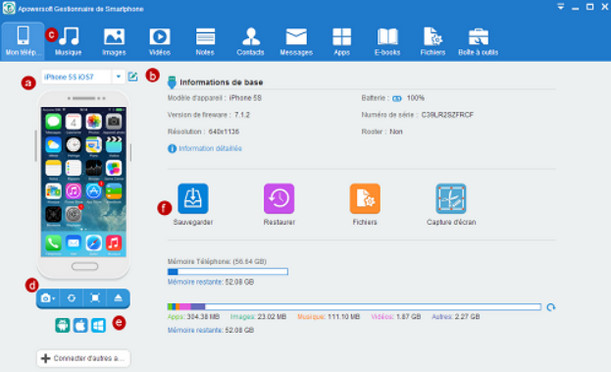
Apowersoft Phone Manager is a powerful tool for synchronizing your smartphone and computer. Compatible with iOS and Android, this software makes it easy to manage, transfer, back up, and recover your mobile data (including messages, contacts, apps, ebooks, pictures, music, and videos) on your PC, and vice versa.
Furthermore, Apowersoft Phone Manager provides you with many additional functions such as the ability to send and receive SMS messages or edit your contact list from your PC effortlessly.
Configuration:
OS: Windows XP, Vista, 7, 8, 8.1, 10 (32-bit or 64-bit)
CPU: Intel Pentium 4
RAM: 512 MB
HDD: 120 MB
Facility:
-Install "phone-manager-pro.exe" by following the steps
-At the end of the installation, uncheck the box "Run Apowersoft Smartphone Manager"
-Copy the "client" file located in the "crack" folder to C:\Users\USERNAME\AppData\Roaming\Apowersoft\Apowersoft Phone Manager
If you are unable to activate via the "client" file, disconnect from the internet and manually enter the activation information found in the INSTALLATION file.
- Language: Multilingual
- Size: 47.17 MB
This article was updated on August 5, 2016