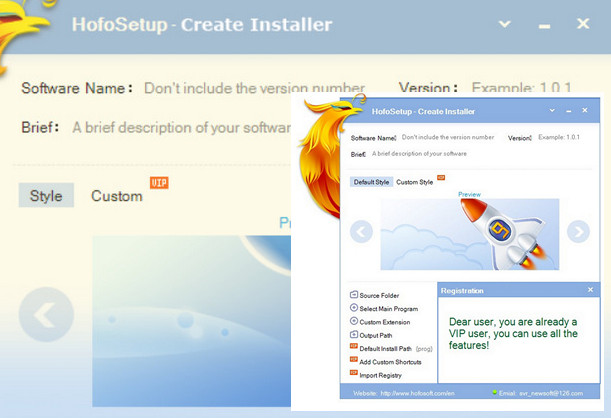
An easy-to-use tool that allows anyone to create their own custom installers for the applications they develop. HofoSetup is a handy utility you can use to create custom configurations for your programs. This software solution lets you make all the configurations from a single window. With HofoSetup, you can create your own styles so that the installer you build will be exactly as you want it. The application is also capable of creating silent installers.
Configuration:
– OS: Windows XP to 10
– Processor: AMD Athlon
– RAM: 256 MB
– Graphics: NVIDIA GeForce4 MX-420 / 64 MB
Facility:
– Run the setup file “HofoSetup-en.exe” and install,
– Close the application,
– Run the “patch.exe” file by clicking in the box at the bottom right.
– Open “HofoSetup.exe” in the installation directory, C:/program files(x86)/HofoSetup (then click on open in the bottom right corner),
– The application has been patched.
- Language: English
- Size: 4.43 MB
This article was updated on August 6, 2016