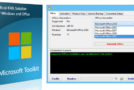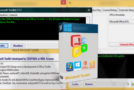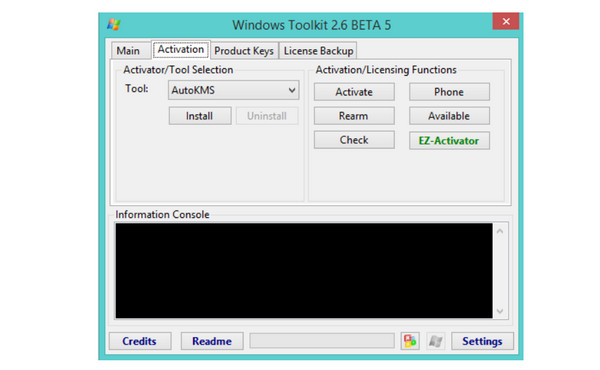
This is a suite of tools and functions for managing Microsoft Office and Windows licenses, deployment, and activation. All results from these functions are displayed in the Information Console. All functions run in the background, and the graphical interface is disabled to prevent multiple functions from running simultaneously, which could cause conflicts or damage. The Microsoft Office installation customization functions (Customize configuration tab), AutoKMS Uninstaller (if AutoKMS is installed), AutoRearm Uninstaller (if AutoRearm is installed), Office Uninstaller, and Product Key Checker work even if Microsoft Office or Windows is not installed or supported. For more information on individual functions, see the program's readme file.
Microsoft Toolkit Changelog:
2.6 BETA 5
-Added Mondo KMS Client Keys.
-Changed AutoKMS to be less likely to crash due to different Date/Time formats.
Configuration:
– Windows Vista/Seven/W8/W8.1/W10 (X86 and x64)
– Microsoft .NET Framework 4.0 or 4.6 (Not 3.5)
– Compatibility: Office 2010, 2013, 2016
Use:
Launch Microsoft Toolkit 2.6 Beta 5.exe
Depending on your needs, click on the Office or Microsoft button (bottom right).
Go to the activation tab and click on EZ-activator!
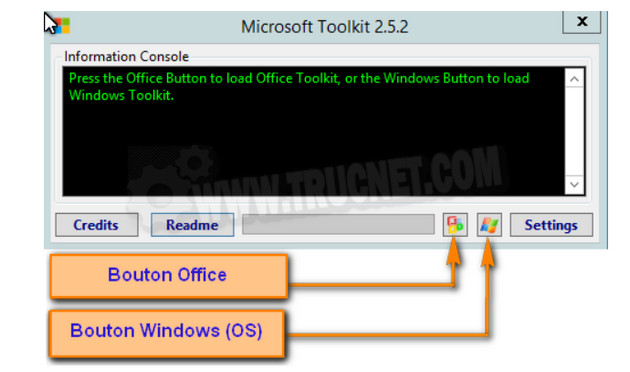
The 180-day activation will then occur at each system startup. Depending on your antivirus software, you may need to add autoKMS as an exception.
Note : This toolkit does more than just activations; it also manages license keys and license backups, can completely uninstall Office versions, and convert a retail version to a virtual license.
- Language: English
- Size: 54.6 MB
This article was updated on April 30, 2019