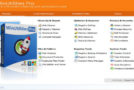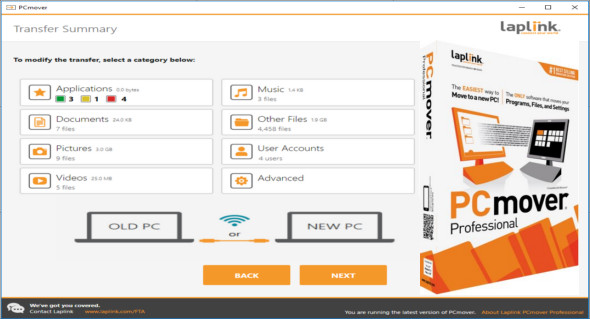
PCmover Pro is a useful software that allows users to automatically move all settings, programs, and files to a new PC in just a few simple steps. It's a very comprehensive program that will help you easily transfer all your data from your old PC to your new one.
PCmover Professional is the easiest way to back up all your files, settings, and selected user profiles from your old computer, as well as restore and transfer your data to a new one. Even if there are different versions of Windows on the old and new computers, nothing changes on the old computer and nothing is written to the new PC.
With this program, you can perform an in-place Windows upgrade on the same computer or restore an image. You can also specify a transfer source, such as Wi-Fi, to share your files. This process takes time and depends on the number of applications installed on your computer. The program can also notify you by email when the transfer is complete.
With PCmover Pro you can keep everything
Automatically move the programs, files, and settings of your choice to the new PC. The program is ready for immediate use once installed.
Easy to use
Install PCmover on your computer and follow the simple setup to begin transferring everything you've selected to your new computer or upgraded operating system. You can also configure it to work automatically.
Version : Pro 11.1.1012.533
Language : Multilingual (French included)
Size : 257.41 MB
Configuration:
– Windows (x32/x64 Bits): XP, Vista, 7, 8, 8.1, 10
– Processor: 1 GHz
– RAM: 1 GB
PCmover Professional 11.1.1012.533
This article was updated on January 18, 2020