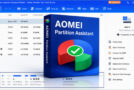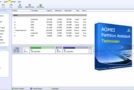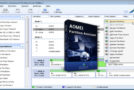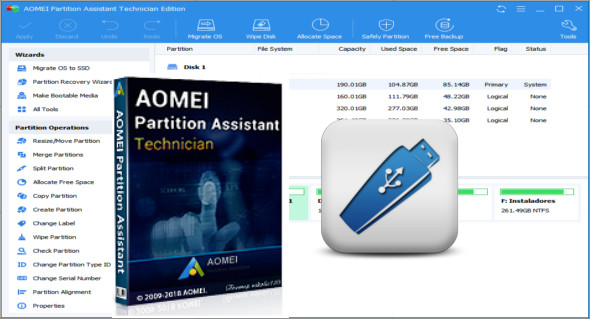
AOMEI Partition Assistant Technician WinPE is an easy-to-use utility for partitioning your hard drive. The program offers numerous hard drive management and partitioning features such as resizing, moving, copying, deleting, scanning, formatting, merging, and more.
AOMEI Partition Assistant Technician ISO has more features and is specifically designed for novice, professional, and advanced users. This program allows you to create a bootable disk to access the hard drive even if the original operating system has failed. You can also recover lost and deleted partitions using the hard drive recovery wizard.
The built-in step-by-step wizards help you easily complete complex operations, including copying partitions, cloning the entire hard drive, quickly expanding available hard drive space to improve the original partition capacity, with intelligent migration can easily help you migrate the operating system to another hard drive, including SSDs and HDDs.
Features of AOMEI Partition Assistant Technician Bootable:
– Resize and move the partition without data loss.
– Merge adjacent partitions into one.
– Merge unallocated space on a partition.
– Divide a large partition into two or more parts.
– Allocate free space from one partition to another.
– Copy (clone) the partition onto the new hard drive.
– Align the partition to improve performance and disk lifespan.
– Modify the partition type ID and serial number.
– Linux partition management: create, delete, format, erase, copy, recover Ext2/Ext3 partitions, etc.
– Create more partitions, even without unallocated space.
– Easily delete, format, and clean the partition.
– Convert the primary partition to a logical partition and vice versa.
– Convert a FAT partition to an NTFS file system.
– Change the partition label and the drive letter.
– Hide and verify the partition, clear the unallocated space.
– Define the active partition and display the partition properties.
– Copy (clone) the disk without reinstalling Windows and applications.
– Convert an MBR disk to a GPT disk and vice versa.
– Rebuild the MBR to repair or add startup code.
– Delete all partitions on a disk directly.
– Wipe the hard drive to permanently erase sensitive data.
– Testing the disk surface to check for and repair bad sectors.
– Initialize the disk.
– See disk properties.
Version : Technician 8.7
Language : Multilingual
Size : 203.06 MB
Configuration:
– Processor (x64 Bits): 2 Ghz
– RAM: 2 GB
AOMEI Partition Assistant Technician 8.7 WinPE