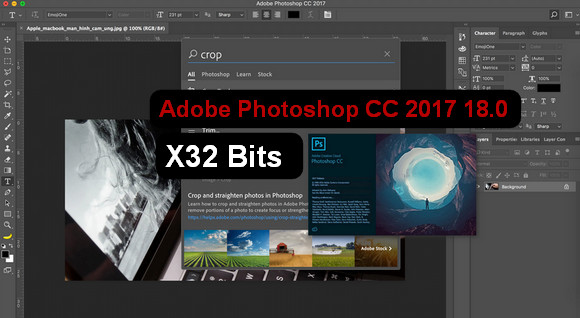
Adobe Photoshop, the leading graphic design and photo editing tool, is back in a CC (Creative Cloud) version.
Adobe Photoshop CC also enhances the 3D painting tool, supports smart objects for the blur effects gallery and the liquify filter, and integrates the Mercury Graphics Engine. It retains features that have made Adobe Photoshop successful, such as content-aware fill and intelligent movement.
New features:
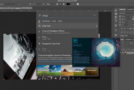
Search within the application
Quickly browse Photoshop tools, panels and menus, Adobe Stock resources, help content and tutorials from within the application using a new dedicated panel that is always accessible.
Closer integration with Adobe XD
You can now copy SVG elements to the Clipboard and easily paste Photoshop creative assets into Adobe XD.
Faster start-up
Get your creative projects off to a fast start by accessing pre-defined settings and free Adobe Stock templates via the File > New command.
Optimized Properties Panel
The Properties panel now displays information about current layer types as well as the document, making it easier to make precise adjustments.
SVG color font support
Access the SVG fonts installed on your system from Photoshop's Fonts menu. Ideal for responsive design projects, SVG fonts support various colors and shades and can be rasterized or vectorized.
Configuration:
– Windows (x32 Bits): 7 SP1, 8, 8.1,10
– Processor: Intel Core 2 (2 GHz OR MORE)
– RAM: 2 GB
– Disk space: 2 GB
- Language : French
- Size : 1.3 GB
This article was updated on August 17, 2019