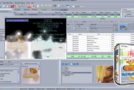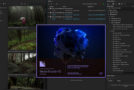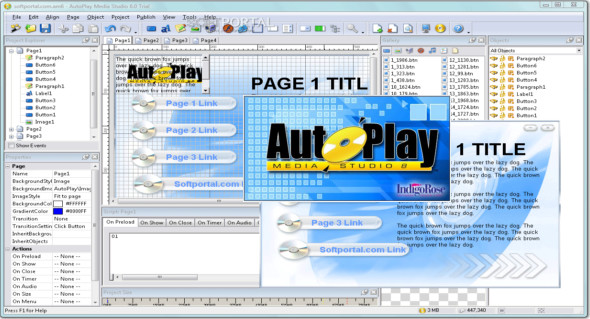
AutoPlay Media Studio is a lightweight and easy-to-use software that can create everything from AutoPlay menus to full-fledged Windows applications. It features a very attractive and user-friendly interface with quick access to tools. With AutoPlay Media Studio, users can create virtually anything that plays automatically, such as CD/DVD/USB menus, game utilities, and interactive multimedia applications.
This application allows users to drag and drop multimedia content such as text, photos, videos, Adobe Flash, QuickTime, and PDFs onto "pages," then add interactivity with over 865 built-in actions. Using the properties pane, users can view and modify all the attributes of a page or object. Furthermore, users can interactively edit the text, font, size, color, tooltip, and much more of the object without missing a beat.
In summary, Indigo Rose AutoPlay Media Studio is the best software for creating automatic playback for CD/DVD and USB that contains images, sound, video and presentations.
AutoPlay Media Studio Features
– Create anything from the AutoRun CD/DVD/USB menus
– Loaded with 20 visual objects
– Attractive and well-managed user interface
– Easy-to-use scripting language with 865 built-in actions
– Support for drag-and-drop visual objects to create applications
– Allow the integration of flash files into AutoPlay multimedia studio projects.
Version : 8.5.3.0
Language : English
Size : 74.33 MB
Configuration:
– Windows (x32/x64 Bits): XP, Vista, 7, 8, 8.1, 10
– Processor: 1 GHz
– RAM: 1 GB
AutoPlay Media Studio 8.5.3.0
This article was updated on February 22, 2020