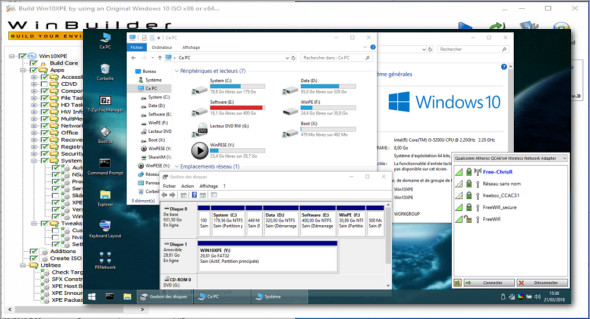
Win10XPE will help you create a lightweight desktop Windows pre-installation environment (WinPE) to perform tasks or troubleshoot a Windows operating system when offline, or to install a Windows operating system. It can be booted from a USB drive, CD-ROM, or hard drive.
Win10XPE is a comprehensive project based on the Win10 Recovery Environment with many new Windows features. Its main objective is simplicity, ease of use, and maximum speed. You can use the numerous available XPE plugins to customize your PC to your liking.
Win10XPE supports Windows 10 x64 or x86 ISO sources:
Fall Creators (1709)—Spring Creators (1803)
October 2018 (1809) — May 2019 (1903)
Use WinXPE to:
– Create a bootable Windows 10 PE
– Configure your hard drive and prepare it for the installation of a Windows operating system
– Troubleshooting problems with the operating system
– Clone or image a Windows system and restore it later
– Make changes to the Windows operating system, if necessary
– Perform recovery operations
– Recover data from unbootable devices
* And more…
Version : 2020.10.29
Language : French / English
Size : 188.74 MB
Configuration:
– Windows (x32/x64 Bits): 7, 8, 8.1, 10
Win10XPE 2020-10-29
This article was updated on December 21, 2020