Sublime Text is a simple tool for editing any type of text file, including C++, Java, HTML, PHP, and Rust, etc. It's a sophisticated text editor for code and markup. You'll love the elegant user interface, extraordinary features, and amazing performance.
Sublime Text is a simple text editor for developers and anyone who wants the simplest interface for their text files. It's a straightforward word processor that also supports web application development. Following the success of Sublime Text 2, Sublime Text was released with even more improved features and bug fixes. It has a classic look for developers who prefer not to use Notepad. You can also download it. EmEditor Professional.
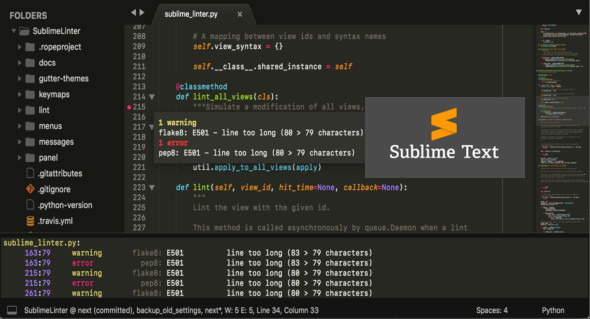
Sublime Text offers a comprehensive set of features, providing a complete development editor. Its indentation function gives code a cleaner look. A full directory tree is displayed on one side for easy file location without wasting time navigating Windows directories. Automatic language detection identifies the code's language. Sublime Text has improved the accuracy and performance of syntax definitions for C++, Rust, and JavaScript, along with syntax highlighting for many other languages. You can also create and manage snippets. It also supports Python.
Features of Sublime Text
– Lightweight editor with easy search and repair functions
– Improved syntax definitions for many development languages
– Indentation function
– Extract editor
– Structure of the directories to be moved into the directories
– Classic dark grey background for developers
– Simple autocomplete function for many languages
– Access the properties
– Indexing function
Version : Build 4166
Language : English
Size : 25.14 MB
Configuration:
– Windows (x64 Bits): 7, 8, 8.1, 10, 11
Sublime Text v4 Build 4166
This article was updated on November 20, 2023