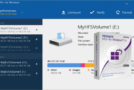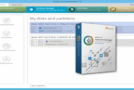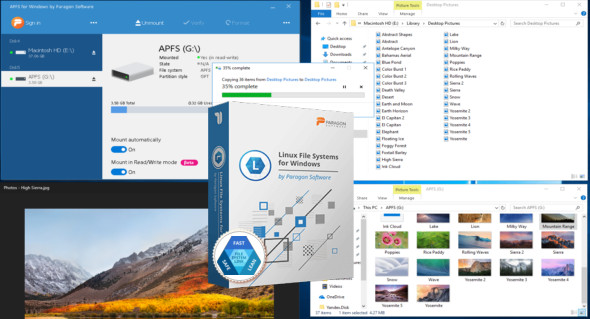
Paragon APFS for Windows is a professional application that helps you explore and browse Apple File System (APFS) formatted disks on a Windows computer, including hard drives, SSDs, and removable drives. You can also use Paragon HFS.
This is a smart tool that provides full read/write access to APFS partitions under Windows and supports encrypted volumes. Using this intelligent tool, you have the power to modify files, create new files, or delete existing ones. The program can automatically mount supported volumes at startup, so you don't have to worry about it every time you restart the operating system or turn on your computer. Furthermore, the program can also automatically detect volumes containing read-only snapshots.
Features of Paragon APFS for Windows
– Explore and browse Apple File System formatted disks
– You get full access to an APFS volume
– Support for APFS cloned files
– Full read/write access to APFS format partitions
– Verify the integrity of the data on the target partitions or drives
– Includes robust and sensitive compression methods
– Light application.
Version : 2.1.110
Language : Multilingual (French included)
Size : 43.61MB
Configuration:
– Windows (x64 Bits): 7, 8, 8.1, 10
Paragon APFS for Windows 2.1.110
This article was updated on June 1, 2022