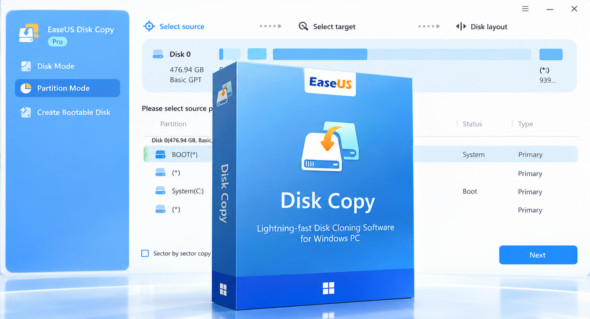
EaseUS Disk Copy can easily upgrade your hard drive from an old drive to a new one, or clone an MBR disk to a GPT disk or vice versa. Furthermore, it allows you to clone a hard drive to an SSD for improved performance. You can also use AOMEI Partition Assistant.
EaseUS Disk Copy Technician is a simple disk cloning software for Windows PCs that helps you make a complete copy of the contents of a disk and move your data. The EaseUS disk cloning tool works efficiently to clone your HDDs or SSDs from various brands. Compatible with Windows systems, it scans all the features of your hardware and ensures an identical copy.
Features of EaseUS Disk Copy
– Copy your entire hard drive: Create a bootable CD/DVD, it allows you to copy the entire disk in case of unknown/proprietary file systems.
– Copy partition: allows you to copy a partition to another partition of your choice.
– Disk copy: allows you to clone a disk onto another disk sector by sector.
– Sector-by-sector copy: performs 1:1 physical copies (clones) of hard drives and partitions. This ensures that 100% is identical to the original.
– Safe, simple and fast: it's a very quick and easy way to copy all or part of a hard drive to another hard drive with Disk Copy.
– Supports copying inaccessible disks
– Supports booting from a CD/DVD
– User-friendly graphical user interface
– Insufficient disk space for relay destination
– Supports hard drives up to 16TB
Version : 5.5.20230614 Workstation – Pro – Server – Technician /WinPE: Pro 7.2.0 Build 20260821
Language : Multilingual (French included) / WinPE: English
Size : 70.13 Mo /WinPE: 793.00 Mo
Configuration:
– Windows (x32/x64 Bits): 7, 8, 8.1, 10, 11
Download EaseUS Disk Copy Pro WinPE v7.2.0 Build 20260821
Download EaseUS Disk Copy 5.5.20230614 Toutes les éditions
Cet article a été mis à jour le 8 September 2026