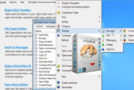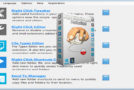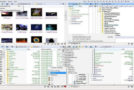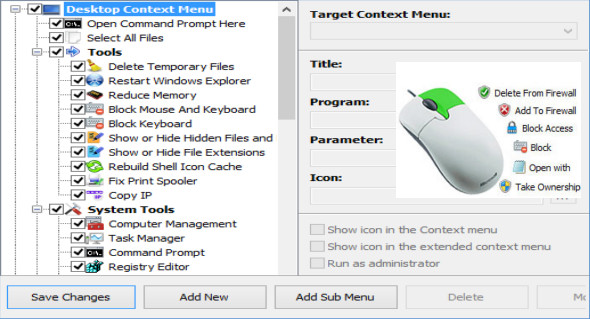
Easy Context Menu (ECM) lets you add a variety of useful commands and adjustments to the context menus of the desktop, This PC, drives, files, and folders. This allows you to quickly and easily access the most frequently used Windows components.
The program is easy to use; simply check the box next to the items you want to add. Once added, just right-click and select the component's shortcut to launch it. You can also use FileMenu Tools.
EasyContextMenu includes six main categories and three subcategories:
1. Desktop context menu
2. My computer's context menu
2a: Tools
2b: System Tools
2c: Disable options
3. Reader Context Menu
4. Folder context menu
5. File context menu
6. Context menu of the EXE file
Version : 1.6
Language : Multilingual (French included)
Size : 2.63 MB
Configuration:
– Windows (x32/x64 Bits): 7, 8, 8.1, 10
Easy Context Menu v1.6 Portable
This article was updated on March 26, 2021