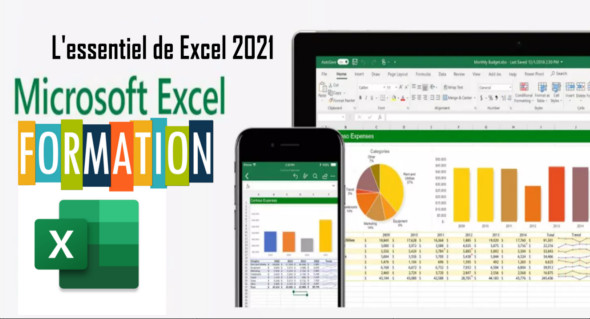
By following this Microsoft Excel 2021 training, you will acquire a solid foundation for its use and then delve deeper into those fundamentals. You can also use Become an Excel expert.
You will quickly gain access to data processing as well as more advanced tools such as formulas, functions, dates, charts and pivot tables, as well as creating charts, printing and creating your first table and using your first mathematical equations.
The main points of this Excel training
Introduction
Discover Excel 2021
Create your first painting
Use the calculation formulas
Leveraging data
Become familiar with formulas and functions
Further work on the use of functions
Mastering time
Illustrate the figures with graphs
Use advanced table formatting
Discover pivot tables
Format, save and print a table
Concluding this Excel 2021 course
Format: MP4 /XLSX
Language : French
Duration : 02H 39M
Size : 1.11 GB
The essentials of Excel 2021
This article was updated on March 26, 2022