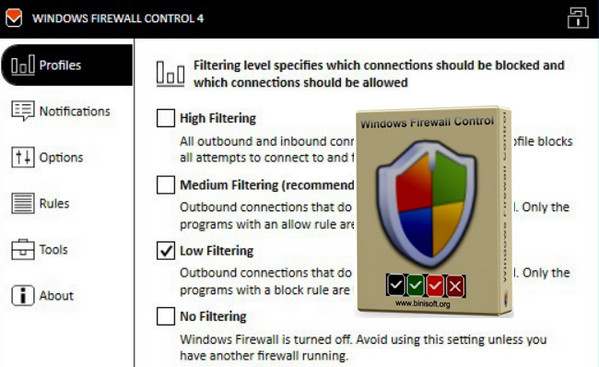
Windows Firewall Control provides quick access to Windows Firewall features. With a single click, you can modify the most frequently used options: profile selection, allowing/blocking internet access for a program, modifying rules, and more. Windows Firewall Control sits in the system tray for direct, always-available access to these features.
Configuration:
OS: Windows Vista, 7, 8, 8.1, 10 (32-bit or 64-bit)
.NET Framework: 4.5 or higher
The Windows Firewall service must be started
The DNS client service must be started
Facility:
Disable your antivirus!
1. Launch wfc4setup
2. Click on install (bottom right)
3. Once installed, click on exit (bottom right)
4. Copy the contents of the FR folder into the installation folder.
5. Launch Windows Firewall Control.
(The software launches in the notification bar (icons next to the clock))
6. Go to the About tab
7. Click on "Click here to activate"
8. Launch the Keygen
9. Copy the installation ID (Press the icon on the right)
10. Paste it into the HWID box (in the Keygen)
11. Select the code
12. Copy the Code
13. Paste it into the activation code field (Press the icon on the right)
14. Press Activate.
- Language: French
- Size: 1.4 MB
This article was updated on August 22, 2016