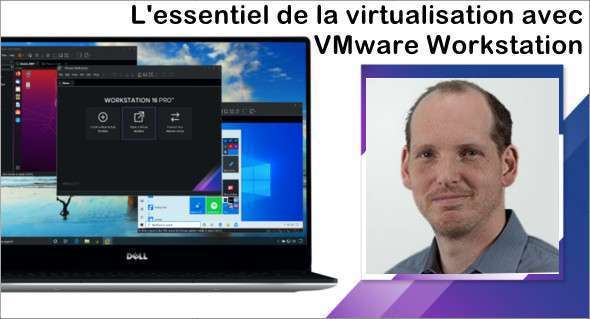
The training with Pierre Cabantous will allow you to understand the fundamentals of virtualization, focusing on VMware Workstation. You will learn everything you need to know about virtualization and the hypervisor market, including logical and hardware prerequisites. The Workstation installation will be performed under your supervision so you can explore the tool's features and capabilities.
You will learn how to create and manage virtual machines using different operating systems. You will also learn how to network these virtual machines using the various protocols presented by your instructor. This will give you a comprehensive understanding of how to manage virtual machines efficiently and professionally.
The goal of this training is to provide you with the skills necessary to use VMware Workstation effectively and to work with virtual environments. You will also learn the differences between various network protocols and how to use them to optimally connect your virtual machines. You can download VMware Workstation Pro for Windows.
The essentials of virtualization with VMware Workstation
- Introduction
– Understanding virtualization and the hypervisor market
– Install and explore VMware Workstation
– Create virtual machines
– Manage virtual machines
– Connect the virtual machines to the network
- Conclusion
Format: MP4 (34 Files)
Language : French
Duration : 02:15
Size : 770.13 MB
The essentials of virtualization with VMware Workstation
This article was updated on February 10, 2023