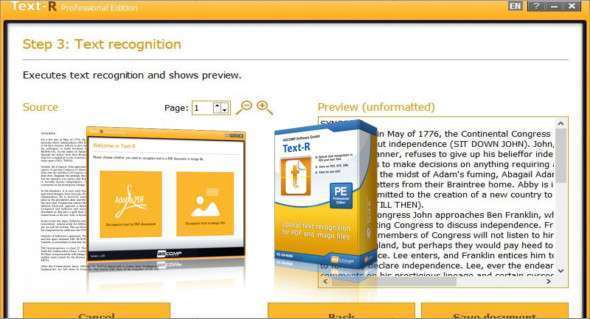
Text-R Professional is an advanced word processing software designed for professionals. It also offers a simple optical character recognition (OCR) feature for Windows. You can also use PDF Architect Pro.
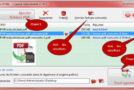
This software solves the common problem encountered with PDF files and images of scanned paper documents that contain text that cannot be copied or edited. Instead of manual entry, which can be tedious due to document size and time constraints, Text-R Professional recognizes the text within PDF files and images, instantly converting them into an editable document for any user level.
The converted text can be saved as a new, editable PDF or RTF (Word) document, with formatting that remains close to the original, so generally no post-processing is required. With its intuitive and user-friendly interface, Text-R Professional is an ideal choice for professionals seeking a reliable tool for processing their documents, including scanned files.
The main features of Text-R Professional
– Simple optical character recognition (OCR) functionality for Windows that allows you to convert PDF files and images into an editable document.
– Intuitive and easy-to-use interface to improve productivity and document quality.
– Advanced formatting tools to customize documents according to user needs.
– Document templates for quickly creating professional-quality documents.
– Spelling and grammar checks to improve the quality of the content.
– Real-time collaboration capability to work with other users on the same document.
– Accurate text conversion thanks to integrated dictionaries and professional OCR filters.
– Saving the converted text in a new editable PDF or RTF (Word) document, with formatting remaining close to the original.
– A fast and reliable solution for processing scanned documents and for professionals looking for a word processing tool.
Version : 2.001
Language : Multilingual (French included)
Size : 32.08 MB
Configuration:
– Windows (x32/x64 Bits): 7, 8, 8.1, 10, 11
Text-R Professional 2.001
This article was updated on February 13, 2023