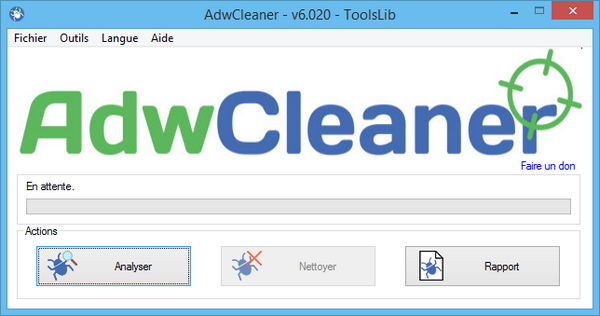
AdwCleaner makes it easy to remove unwanted software such as adware, toolbars, PUPs/LPIs (potentially unwanted programs), and browser hijackers. This highly intuitive cleaning tool features a search mode and a removal mode, both accessible with a single click. Similarly, uninstalling AdwCleaner requires just one click.
Adwcleaner is a free utility. It is developed and maintained by Xplode, its creator. This cleaner is very effective against unwanted advertising intrusions, browser toolbars, unwanted search engine changes, or any process that changes your browser preferences without your knowledge.
Adwcleaner allows you to clean and restore default preferences on Google Chrome, Firefox and Internet Explorer.
Configuration:
– Windows (32/64 bits): XP, Vista, Seven, 8, 8.1, 10
– 1 GHz processor
– 512 MB of RAM
Facility:
– If you have installed an older version, launch it and click on the “File” tab, then “Uninstall”
– Launch the file: “AdwCleaner 6.020” (Right-click and then: “Run as administrator”)
- Language: Multilingual (French included)
- Size: 3.68 MB
This article was updated on September 15, 2016