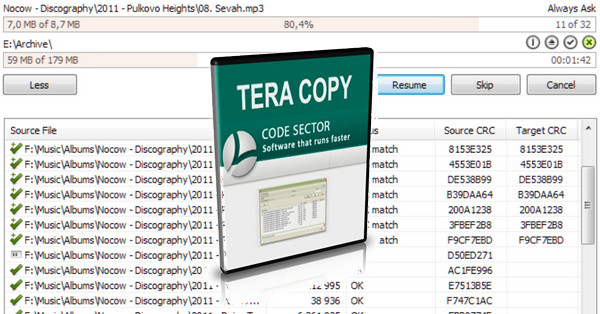
TeraCopy moves and copies your files in minimal time by adjusting the buffer used. This application provides a pause command in the process to free up resources for another project, for example. Furthermore, if a copy error is detected, TeraCopy restarts the operation several times and moves directly to another file if the document is truly corrupted.
Changelog:
* Faster logical to physical disk mapping.
* Mapped network disk detection.
* Notification fixes.
* R/O files are deleted during replacement.
* Add the entire drive to the file list.
* Comma displayed in CSV reports, folder export.
* The date difference between the files is increased by 2 seconds.
* Best status icon.
* Smoother scrolling with a touchpad.
* Fixed other bugs.
Configuration:
– Windows (32/64 Bits): XP/Vista/7/8/8.1./10
– RAM: 256 MB
– Processor: Pentium clocked at 500 MHz.
– Hard Drive: 10 MB of free space.
Facility:
1. Install TeraCopy
2. Launch the
3. Expand the window (to access the Menu button)
4. Click on Menu
5. Click on Enter Key…
6. Enter the serial.txt key
- Language: English
- Size: 3.91 MB
This article was updated on September 27, 2016