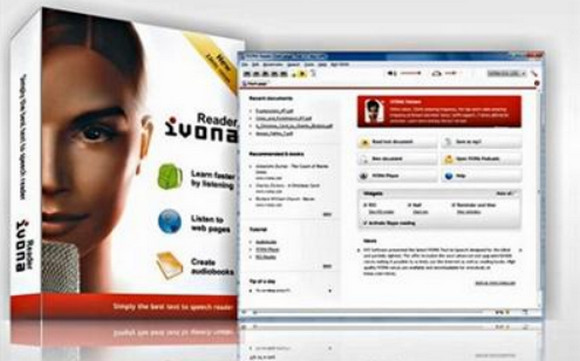
Are you having trouble reading your texts? You can use Ivona Reader to help you.
Ivona Reader is software that allows you to read text aloud. It can read documents, news articles, RSS feeds, books, web pages, emails, and more. It offers control over the reading speed and a selection of audio sounds.
In this phase, it should be noted that the software supports all IVONA voices as well as standard SAPI5 voices.
Finally, Ivona Reader also offers you the possibility to convert your text into an MP3 file readable on all available media players.
Configuration:
– Windows (32/64 Bits): XP / VISTA / 7 / 8 / 10
– Processor: 1 GHz
– RAM: 512 MB
– 2 GB of disk space
Facility :
1. Install Ivona Reader. Mini Reader is optional.
2. Copy " IVONA Reader.exe " in the installation directory. If you are using MiniReader, copy " english.dll » in his repertoire » lang" .
3. Install the Mathieu and Céline languages, then copy " ivona_sapi5_voice_v1.6.70 » in the “x86” or “x64” folder of IVONA 2 Voice.
- Language: English + French Voice
- Size: 503.3 MB
This article was updated on October 3, 2016