Whether you're a beginner or looking to refine your Photoshop skills, this training is designed to meet your needs. Explore the essential techniques and tools that will allow you to optimize your workflow, perform effective image retouching, and bring your creative ideas to life with ease.
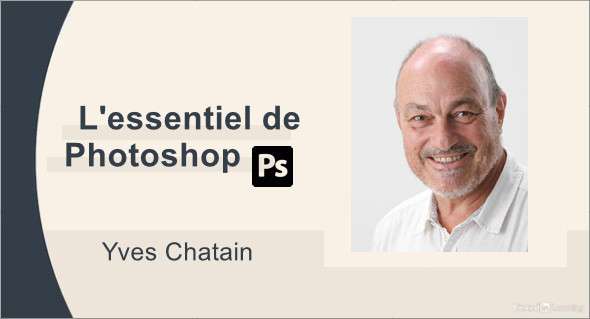
Familiarize yourself with the latest features of the software and learn how to integrate them into your workflow. Yves Chatain, a Photoshop training expert since its inception in 1990, guides you step by step towards mastering the skills needed to achieve professional-quality results.
The key strengths of this training include:
– The training is designed to meet the needs of novices taking their first steps in Photoshop as well as more experienced users looking to improve their skills.
– Participants will have the opportunity to explore in depth the fundamental techniques and tools of Photoshop, enabling them to optimize their workflow and improve their efficiency in image retouching and graphic design.
– The training emphasizes understanding and utilizing the latest features and innovations of Photoshop, enabling participants to stay up-to-date with technological advancements and maximize their productivity.
– Yves Chatain, a Photoshop trainer since 1990, guides participants throughout the training, sharing his expertise and advice to help them reach a professional level of competence.
– The training encourages a practical approach to learning, allowing participants to put their new skills into practice from the start and work towards concrete and professional results in their image retouching and graphic design projects.
You can also download Bundle – 76 Photoshop Exercises.
Format: MP4 (437 Files)
Language : French
Duration : +07H
Size : 3.47 GB
The essentials of Photoshop 2024
This article was updated on March 4, 2024