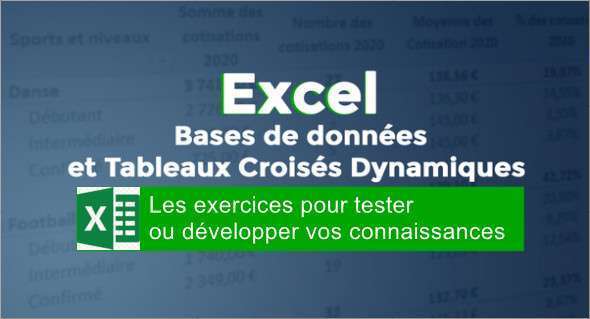
In this training session, we offer you a complete immersion in data exploitation on Excel, highlighting the essential pivot tables.
Start by exploring the different sorting and filtering options, from segments facilitating quick selection to advanced filters allowing precise extraction based on multiple criteria.
Next, discover the many facets of conditional formatting, from simply highlighting cells to setting up icon sets, as well as creating custom indicators.
Enhance your knowledge with data validation, allowing you to create dropdown lists and restrict input, even imposing constraints such as uppercase input.
Explore Excel's print and display settings, as well as the intricacies of subtotal formulas, taking into account data filters. Also, learn how to use Excel's essential VLOOKUP tool, which facilitates data transfer between different databases.
Finally, through a series of more than 10 practical exercises, you will learn how to effectively use pivot tables in Excel, in order to fully master this powerful tool.
This training will reveal all the essential tips and tricks you need to know about Excel, while also warning you about common pitfalls to avoid. You can also Combining CHATGPT and EXCEL.
Format: MP4 (66 Files)
Language : French
Duration : +04H
Size : 1.35 GB
Excel – Databases and Pivot Tables
This article was updated on March 6, 2024