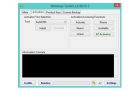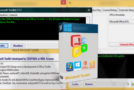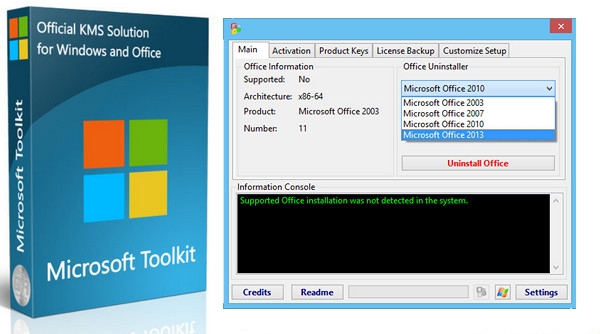
This is a set of tools and functions for managing Microsoft Office and Windows licenses, deployment, and activation. All results from these functions are displayed in the Information Console. All functions run in the background, and the graphical interface is disabled to prevent multiple functions from running simultaneously, which could cause conflicts or damage. The Microsoft Office installation customization functions (Customize configuration tab), AutoKMS Uninstaller (if AutoKMS is installed), AutoRearm Uninstaller (if AutoRearm is installed), Office Uninstaller, and Product Key Checker work even if Microsoft Office or Windows is not installed or supported. For more information on individual functions, see [link to individual function documentation].
Supported
* Microsoft Office 2010 or later
* Windows Vista or later
Microsoft Toolkit 2.6.2 Changelog:
– Added Windows Server 2016 Azure Core KMS Key.
– Fixed invalid KMS PID Generation on Windows 10/Server 2016.
– Updated WinDivert Driver.
Configuration:
– Windows (32/64 bits): Vista, 7, 8, 8.1, 10
– CPU: 1GHz
– RAM: 512 MB
– HDD: 100 MB of disk space
– .NET Framework 4.0 or 4.6 (Not 3.5)
Usage:
1- Launch Microsoft Toolkit.exe
2- Depending on your needs, click on the Office or Microsoft button (bottom right)
3- Go to the activation tab and click on EZ-activator
- Language: English
- Size: 56.5 MB
This article was updated on January 5, 2018