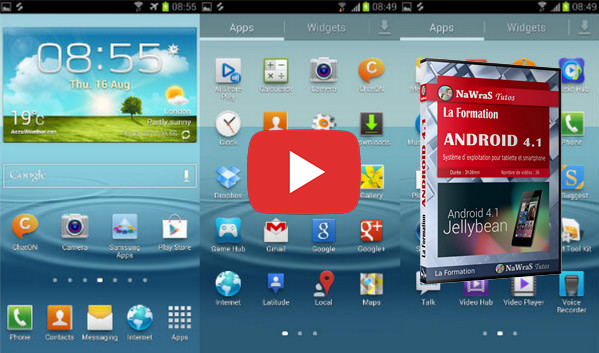
Android version 4.1 is called Jelly Bean. This version is used on both tablets and smartphones.
New features have been introduced since the previous version called Ice Cream Sandwich.
You will see how to use the basic features of a tablet: how to browse the internet, access applications, send and view emails, or manage your address book.
All your data is synchronized with your Google account. Finally, it's also important to know how to configure the settings; this will allow you to easily manage your notifications and personalize your tablet's display.
- Language: French
- Duration: 3 hours 36 minutes
Chapter 01 – Organizing the workspace
1- Mastering touch gestures
2- Customize the display
3- Install an application
4- Managing your applications
5- Add or edit an event
6- Read a piece of music
7- Navigating his music
8- Organize your music
9- Configure the music
10- Modify configuration settings
11- Use the network
12- Manage notifications
Chapter 2 – Securing the Workspace
1- Protecting access to your system
2- Delete data on Android
Chapter 3 – Mastering your digital identity
1- Add an email account
2- Add a second email account
3- Configure your emails
Chapter 4 – Understanding the regulations
Configure the Google app
Chapter 5 – Conducting Research
1- Navigating a website
2- Browsing multiple websites
3- Maintaining a Website
4- Show a map
5- Change the map display
6- Plan a route
7- Use Street View
8- Use voice input
9- Use the News Feed
Chapter 6 – Referencing an online resource
1- Retrieve an image from the Internet
2- Save addresses
Chapter 7 – Communication
1- Read emails
2- Send an email
3- Sorting your emails
4- Add a contact
5- Navigate within the address book
6- Managing your address book
7- Sharing and using the photographs
This article was updated on October 18, 2016