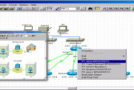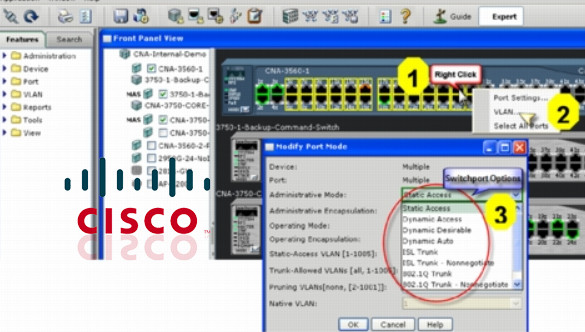
Cisco Network Assistant simplifies many common network actions. Using an intuitive graphical interface, users can easily apply common services to all switches, routers, and access points to facilitate:
– Configuration management
– Inventory reports
– Event notification
– Menu-based tasks
– File management
– Drag-and-drop Cisco IOS software upgrades
Cisco Network Assistant is a PC-based network management application optimized for wired and wireless local area networks (WLANs) for businesses with up to 40 switches and routers. Leveraging Cisco SmartPorts technology, the application simplifies the configuration, deployment, management, and maintenance of Cisco networks. It provides a centralized view of the network and allows network administrators to utilize its features across Cisco switches, routers, and access points. Cisco Network Assistant is available free of charge and can be downloaded from the Cisco Network Assistant software download page.
Configuration:
– Processor: 1 GHz
– Random Access Memory (RAM): 1 GB or more
– HDD: 70 MB
Facility :
Launch the installer: cna-windows-k9-installer-5-8-9-1-en.exe.exeThen follow the instructions.
- Language : English
- Size : 65.2 MB
This article was updated on October 22, 2016