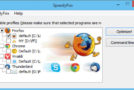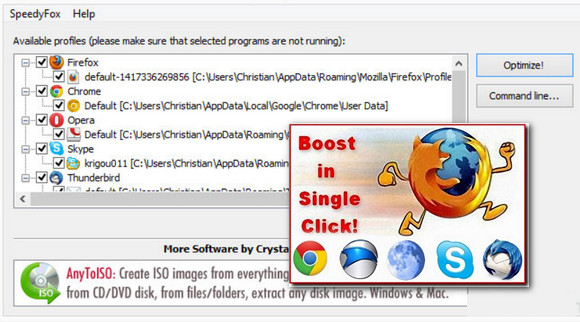
SpeedyFox offers users of Firefox, Google Chrome, Skype, and Thunderbird a tool capable of revitalizing these 4 software programs.
Support:
Firefox, Chrome, Epic, Iron, Opera, Palemoon, Skype, Thunderbird, Yandex, Cyberfox, Slimjet, Vivaldi
Over time, they tend to become less responsive due to fragmentation of the profile database. SpeedyFox solves this problem without affecting proper functioning or saved data, including bookmarks, passwords, downloads, etc.
Finally, the software can act on user profiles independently of others.
SpeedyFox, what for? If your Mozilla Firefox web browser is starting to slow down and is running too slowly, SpeedyFox can give it a boost. With this software, you can improve the performance of your favorite browser by increasing Firefox's launch speed and page navigation speed by up to three times.
This software's method involves defragmenting Firefox's databases. This technique will increase your browser's speed without risking the loss of your bookmarks or passwords.
Principle: As you use Firefox and Chrome, data is added to these databases, other data is deleted or modified, resulting in database fragmentation and slower loading times for Firefox and Chrome.
Solution : To clean up these databases and speed up Firefox/Chrome, you need to defragment them, just like Windows does with your hard drives. The free software SpeedyFox will allow you to easily perform this operation.
SpeedyFox also works via command line, allowing you to use it in scripts or with the Windows task scheduler, for example, to automatically run Firefox/Chrome optimization every week.
Configuration:
– Windows (x32/x64 Bits): XP, Vista, 7, 8, 8.1, 10
– Processor: Pentium P4 3Ghz
– RAM: 512 MB
– Disk space: 10 MB
Facility :
- Execute : speedyfox x86 x64.exe
- Language : English
- Size : 1.56 MB
This article was updated on October 25, 2016