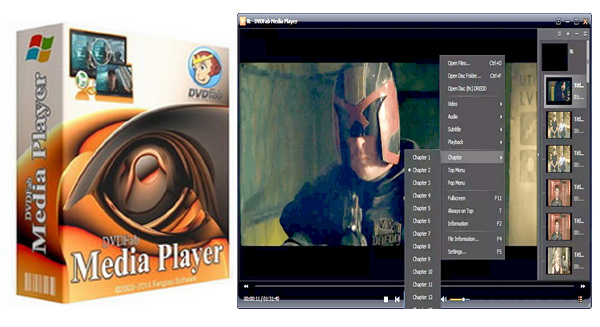
DVDFab Media Player is a Windows-based media player that has been named "best Blu-ray player" by its users. Not only does this program play Blu-ray and DVD discs, as well as other video files in all formats, but it also allows you to view Blu-ray and DVD folders and ISO image files.
It also offers a full Blu-ray navigation menu and supports Cinavia-protected Blu-ray/DVD discs. This program also supports 7.1 multichannel audio output.
Key features:
Media player footprint reduced to less than 10 MB.
Reads original DVD discs.
Reads Blu-ray/DVD ISO files.
Plays Blu-rays and videos protected by Cinavia.
Navigation menu or simple mode, as you prefer.
Change the background to suit your taste.
Configuration:
– Windows (x32/x64 Bits): Vista, 7, 8, 8.1,10
– Processor: Pentium 600 MHz
– RAM: 512 MB
– Disk space: 50 MB
Facility :
1. Install DVDFabMediaPlayer3001
2. Launch DVDFabMediaPlayer
3. Click on the arrow (top right)
4. Click on Enter the activation code
5. Paste the serial number (included in the key.txt file)
6. Click on Enable
7. Close and then reopen DVDMediaPlayer
- Language : Multilingual (French included)
- Size : 39.8 MB
This article was updated on November 8, 2016