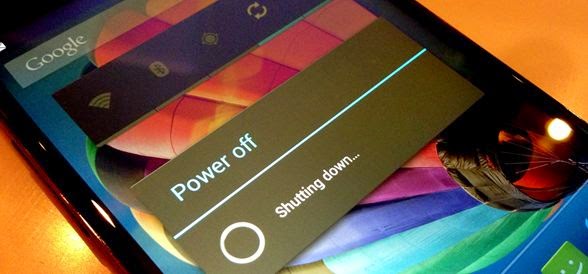
You will learn how to turn off an Android smartphone/tablet by sending a simple SMS that you will enter into the application. This feature is very useful if you have left your phone at home and don't want anyone to answer or use it. Similarly, there are many situations where we might want to remotely turn off our Android smartphone.
Download and install Remote Power Off
Noticed : The app we're going to use only works if your smartphone is already rooted!
The Android application that will allow us to perform this operation is called Remote Power Off; it is not available on Google Play, but you can download it to your computer or smartphone via this address: Download Remote Power Off
Next, you need to install the app on your smartphone by clicking on the apk file (RemotePowerOff-v1.2.apk included in the zip) and choosing to install.
Configure Remote Power Off
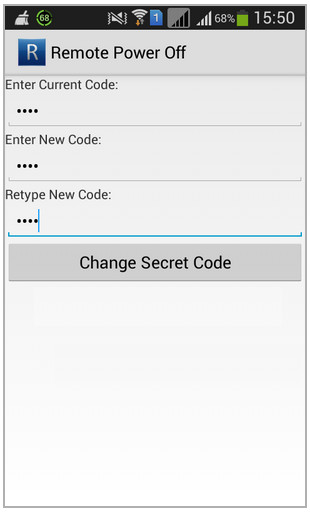
Once installed, click to open the application. Fill in the fields, respecting lowercase letters, as follows:
– Enter Current Code : null
– Enter New Code : a code of your choice, for example off
– Retype New Code : the code you have already chosen
Click on " Change Secret Code"This interface will also allow you to change your code."
Using another smartphone, now send a text message to your own phone number with the code you previously entered. For example, if the chosen code is offSend a text message containing the following text: off
Your smartphone needs to be turned off!
This article was updated on November 10, 2016