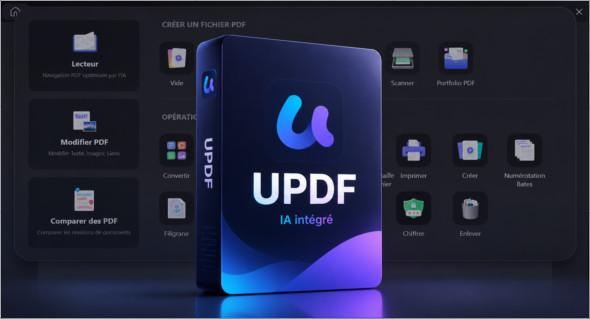
UPDF UPDF is an all-in-one PDF editor for Windows that lets you easily read, edit, annotate, convert, and manage PDF documents. With its clean and modern interface, it offers an experience similar to a traditional word processor, making PDF editing much more accessible. You can edit text, replace or adjust images, add links, customize backgrounds, insert watermarks, and resize pages to suit your needs. UPDF is ideal for students, professionals, businesses, and anyone who regularly works with digital documents.
One of UPDF's greatest strengths is its integration of artificial intelligence-based features. The software can analyze long documents, even PDFs exceeding 100 pages, to generate quick summaries, provide accurate explanations, translate content, and enable smarter interaction with files. It also offers convenient annotation tools for document review, as well as PDF conversion and creation options. You can also use PDF Pro Software : https://www.trucnet.com/pdf-pro-software-pdf-pro/
Key features of UPDF
Simple and intuitive PDF editing UPDF allows you to modify text, images, links, backgrounds, watermarks and page dimensions with a usage similar to Word.
Built-in AI Assistant The software can summarize, translate, explain, and analyze large PDF documents, which helps save time when reading or studying complex files.
Comfortable reading of PDFs UPDF offers several display modes, zoom options and smooth navigation for viewing documents under good conditions.
Complete annotation : you can add notes, stickers, stamps, highlights, underlines and other revision marks to comment on or organize your PDF files.
Document conversion UPDF supports converting PDFs to several popular formats and offers different methods for creating PDF files from other documents.
Creating and managing forms The software allows you to create fillable forms, add signatures and facilitate collaboration around administrative or professional documents.
Collaboration tools Thanks to collaborative form completion, integrated signatures, and customized PDF file management, UPDF helps improve digital workflows.
Summary
In summary, UPDF is a complete solution for working efficiently with PDF files on Windows. It combines editing, annotation, conversion, reading, form management, and AI features in a single application. With its simple yet powerful tools, it's ideal for users looking for a modern, fast, and versatile PDF editor to manage their documents on a daily basis.
Version : 2.5.10
Language : Multilingual (French included)
Size : 244.74 Mo /Portable: 285.36 Mo
Configuration:
– Windows (x64 Bits): 7, 8, 10, 11
Download UPDF v2.5.10
Download UPDF Portable v2.5.10
Cet article a été mis à jour le 17 September 2026