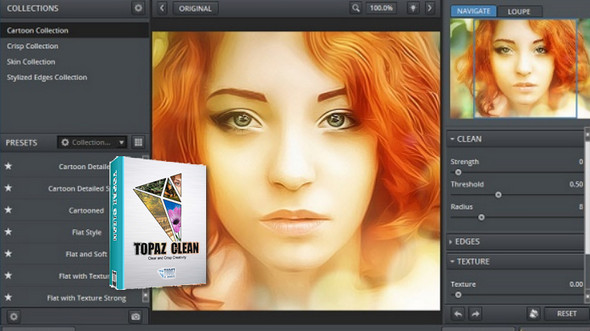
Topaz Clean is a photo editing software specializing in the removal of unwanted elements or imperfections in order to make an image even more beautiful.
The main function of this program is to attack photos or portraits of people in such a way as to remove all impurities.
Topaz Clean prioritizes texture accuracy to achieve realistic results. With this program, you can also enhance specific lines, such as the contours of a face or object, to make them stand out. Topaz Clean can also function as a plugin for other photo editing software like Adobe Photoshop or Corel PaintShop Pro.
Configuration:
– Windows (x32/x64 Bits): XP, Vista, 7, 8, 8.1,10
– Processor: Pentium 4
– RAM: 512 MB
– Disk space: 50 MB
Facility :
1) Run and install Topazclean3_setup.exe
2) Use keygen.exe to generate an activation code (Click on Generatecopy the generated code, then Exit).
3) Launch the application (via Photoshop for example) and enter the activation code you generated.
- Language : English
- Size : 32.9 MB
This article was updated on November 14, 2016