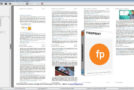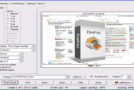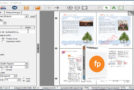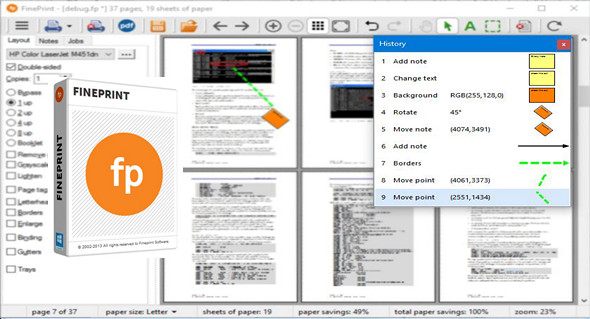
FinePrint is a simple yet professional printing software that allows you to manage your print jobs. Using FinePrint, you can reduce printing costs while improving and managing complex print jobs. You can easily edit pages, delete unwanted pages, print duplex, print multiple pages on a single sheet, switch between paper sizes, and more.
FinePrint 9 features new page rotation, multi-level/unlimited undo/redo, note rotation, and more. It provides all the tools you need to edit and manage all your print jobs, and you can add watermarks, headers, and footers to the output. The program allows you to print brochures and other compact publications.
FinePrint installs as a printer driver; to use it, simply print a document and select FinePrint as the printer. An interface will open with various options. When you print, choose FinePrint, and your editing program will redirect your print job to FinePrint. FinePrint will then open, allowing you to choose how to print.
Main features:
– Print preview
– Remove unwanted pages
– Convert to greyscale
– Lighten the content to save ink
– Removal of blank pages
– Reframe the pages
– Edit the text
– Sign and mark the print jobs
– Removal of unwanted text and images
– Print multiple pages on a single sheet
– Printed letterhead
– Archive of printing jobs
Configuration:
– Windows (x32/x64 Bits): XP, Vista, 7, 8, 8.1, 10
– Processor: 1 GHz
– RAM: 512 MB
– Disk space: 1 GB
Facility :
1. Install the file fp910.exe
2. Register with a provided serial number (Serial)
Language Multilingual (including French)
Size : 10.0 MB
This article was updated on March 24, 2017