Do you have several blurry photos and want to know if there is an existing way to restore some sharpness to your pictures? And you should know that what was impossible yesterday seems to find solutions today.
SmartDeblur Even if it won't solve all your problems, it's very interesting to use.
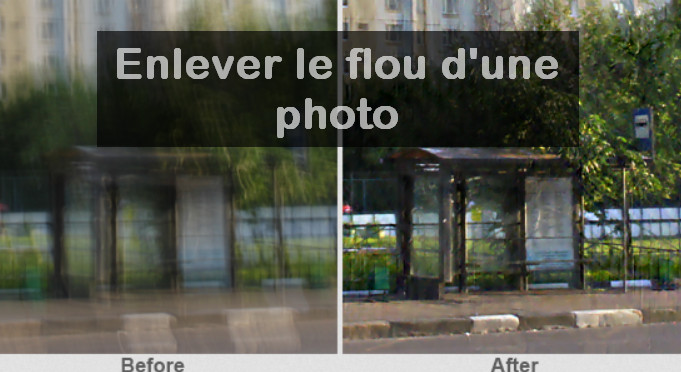
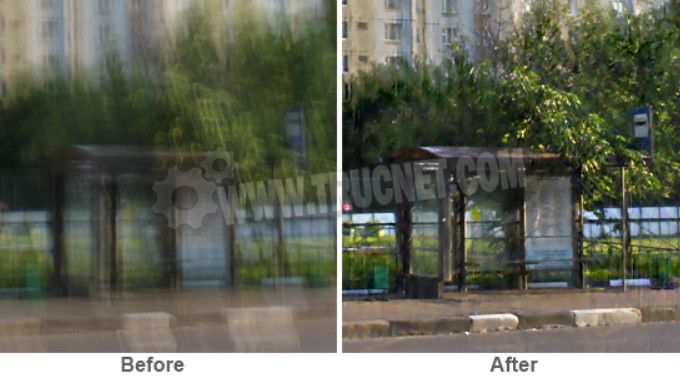
Available for Windows and Mac OS X, SmartDeblur is indeed a software that allows you to remove the blur from a photoAnd this works with natural blurs related to the absence of autofocus or movement (motion blur).
Even better, SmartDeblur also allows you toeliminate or reduce Gaussian blur, these effects are artificially created by software to mask a person or the outline of a photo.
Of course, the result is not up to the standard of Experts Mimi, but we can already see what is in the photo.
The most impressive results were obtained with photographs of texts. Completely illegible initially, they became clear enough to be used.
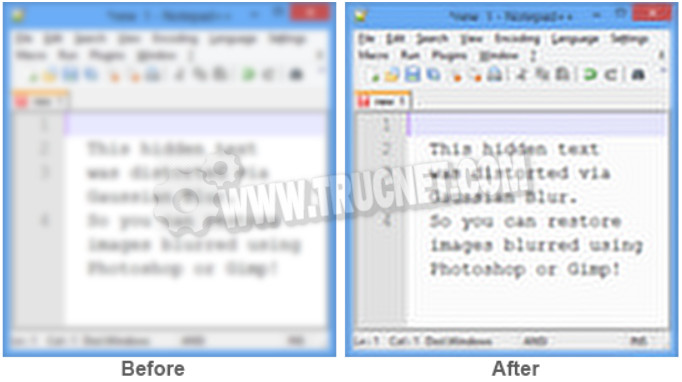
Of course, you'll need to tweak the various settings to get a convincing result. Fortunately, the adjustments are visible almost immediately; there's no need to wait for the changes to be applied since they're made in real time.
To download and test Smart Deblur, go to SmartDeblur 2.2 Complete.
After installation, launch the program. In Defect typeYou can choose between 3 types of correction: Auto-detect Blur, Out of Focus Blur, Gaussian blur. This actually refers to the type of blur. The first corrects the lack of focus, the second deals with motion blur, while the third corrects artificial Gaussian blur created by software.
This article was updated on January 26, 2016