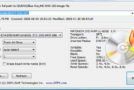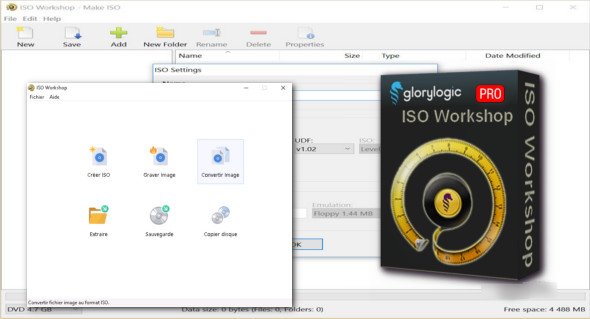
ISO Workshop Pro is a free application specifically designed to facilitate disc image management, conversion, and burning operations. You can also download UltraISO Premium.
The program has a very simple user interface and allows you to create ISO images, extract specific files and folders from disk images, create disk backups by copying the contents of a disk to an ISO or BIN image file, convert different disk image files to ISO or BIN, and burn ISO and CUE images to blank discs.
Features of ISO Workshop Pro
– Create standard and bootable ISO images
– Extract the files and folders from the disk image
– Copy the disk image to the disk (including the audio CD)
– Convert the disk image to ISO or BIN format
– Burn the ISO or CUE/BIN image to a disc
– Supports common formats (ISO, CUE, BIN, NRG, MDF, CDI, etc.)
– Supports CD-R/RW, DVD-R/RW, DVD+R/RW, DVD+R DL, BD-R/RE
– Supports verification of written files
Benefits:
Supports all types of CD/DVD/BD recorders
Great user interface, easy to use
Small installation file size
Very low CPU resource usage
Version : 13.2 Pro / Laptop: Pro 13.1
Language : English
Size : 32.27 MB
Configuration:
– Windows (x32/x64 Bits): 7, 8.1, 10, 11
Download ISO Workshop Pro v13.2 + Portable
This article was updated on January 21, 2025